
 Need help?
Do you have a question about the Dualcomm DCSW-1005 and is the answer not in the manual?
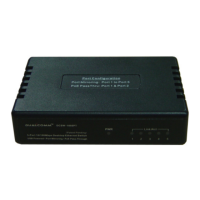
DCSW-1005PT implements two ports for PoE inline power pass-through, expanding PoE uplink.
Captures and monitors network traffic using plug-and-play Port-Mirroring, a feature usually in managed switches.
Device powered conveniently by any USB port, eliminating the need for an AC/DC power adapter.
Green LED indicates the device is receiving external input power properly.
Green LEDs for each port indicate link/activity status: Solid for linked-up, blinking for activity.
 General
| Brand | Dualcomm |
|---|---|
| Model | DCSW-1005 |
| Category | Network Router |
| Language | English |

 To Next Page