9
Adjusting the general volume
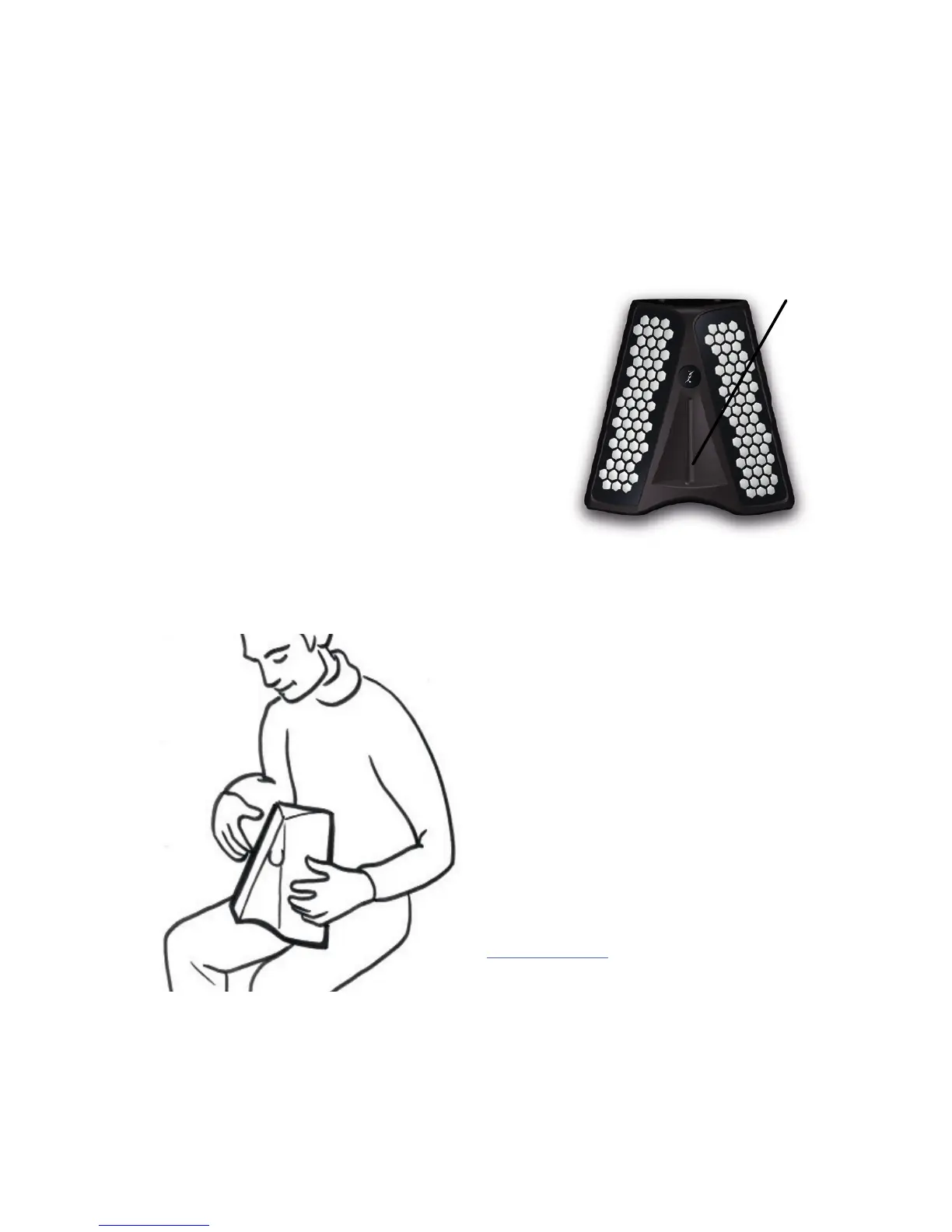
Adjust the volume by stroking the touch
strip on the front of the du-touch. The vol-
ume value appears on the screen.
Touch the bottom of the strip to turn the
volume to zero (mute). Touch the top of
the strip to return the volume to what it
was before being zeroed (unmute).
There are other volumes for sounds, pieces
of music, loops and metronome.
Positioning the instru-
ment
Place your du-touch on your lap and
let it rest against your midriff. It stays
in place without needing to be held.
Your hands (including your thumbs)
are over the keyboards, for maximum
freedom of movement. For greater
stability we recommend the use of
the du-belt*, the Dualo carry strap.
* available as an option from dualo.
org
touch strip


 To Next Page