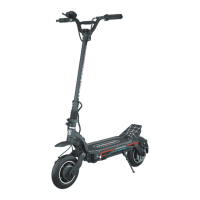
Dashboard
02
M
P
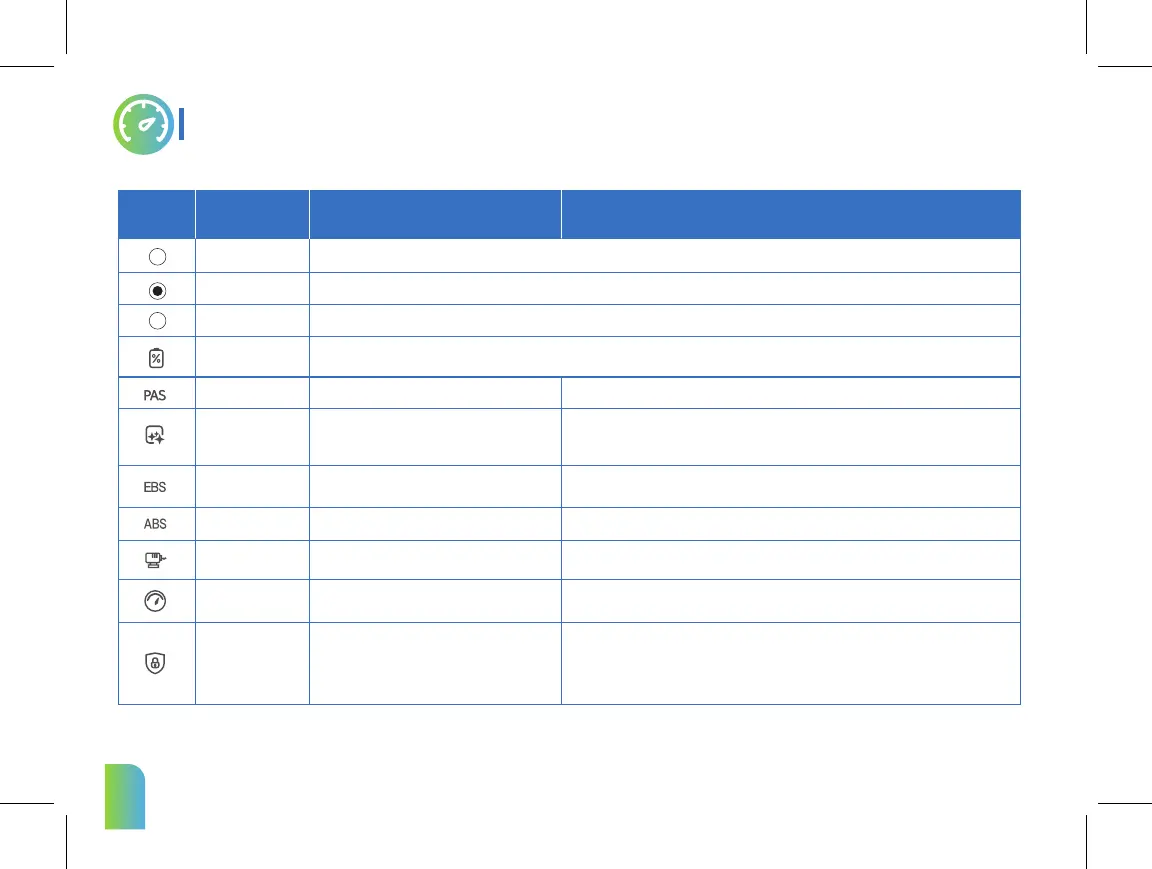
Symbol Name Meaning Description
Power Button
Set Button
Mode Button
Starting Effect
PAS
EBS
ABS
Battery Save Mode
Speed Limit
Battery Display
1.Press and hold the Power button to turn on/off the scooter.
2.Press the button to adjust the speed gear.
1.Press and hold the Set button to enter/exit ECO mode.
2.Press the button to switch battery voltage/percent indication.
1.Press and hold the Mode button to enter/exit the mode setting,and automatically return to the main interface after 30s.
2.Press the the Mode button to switch ODO/time indication.(Time defaults)
Kick start,scooter cannot be directly accelerated
to start.(Default OFF)
Powerfully start and gently start selection.
EBS strength selection.
ABS function control.
Battery Save Mode set.
System speed control.(Percentage of max speed)
The symbol displays the remaining battery power in battery bar.
Set in P4. 0 means function off and 1 means function on. The default is 0.
Set in P5."1" means weak torque, about 50% of the maximum torque.
"2" means normal torque, about 75% of the maximum torque.
"3" means the maximum torque. The default is 2.
Set in P6.The parameter is adjustable from 5% to 100%, and the default is 100%.
Set in P1 .When PAS turns on, PAS symbol will appear in the LCD screen.
Set in P2."0" means the most powerfully start,it will have a strong impact.
"1" means 0.5s gentler start,"2" means 1s gentler start, and so on.
"5" means the gentlest start. The default is 2,1s gentler start.
Set in P3. 0-5 strengths can be selected, 0 is the weakest, no EBS function,
and 5 is the strongest. The default is 1.
Set in P7. Press the SET button to switch ON/OFF, and click the POWER button to
confirm. If it is switched from OFF to ON, you need to enter the original password. If the original
password is entered incorrectly, the setting is unsuccessful(The initial password is 0000).
Note: If the user has turned on the protection and the app is certified as the owner,
when the owner approaches the scooter,it can be unlocked automatically.
Password protection.
(You need to enter the correct password to drive.)
Protection
(Password)



 To Next Page