R
QUICK
FLASH
FADE7FADE3JUMP7JUMP3
SLOW
AUTODIY3DIY2DIY1
DIY6DIY5DIY4
G B W
Maximum intensity
Power button
Automatic conversion mode
Speed control button
Mode change button
1) LED function guide
When the LED is turned on, the main power is turned on and the LED bar is lit
when the throttle power is turned on. Make sure that the LED lamp button on the
right side of the deck is turned on.
The LED remote control is infrared. Please use the remote control on the right side cover.
Right Side Cover Side
2) Remote control functions and settings
Brigntness adjust button
Color selection button
(20 buttons)
Arrow: Adjust the density
of the color
DIY color selection button
(6 buttons)
After pressing DIY>After
adjusting the color with the
above arrow button>Press
DIY key to save
You can make your own
color by adjusting the arrows.
⑧
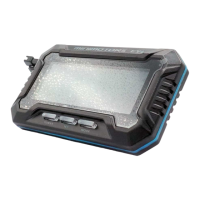
7) Self-diagnosis through dashboard
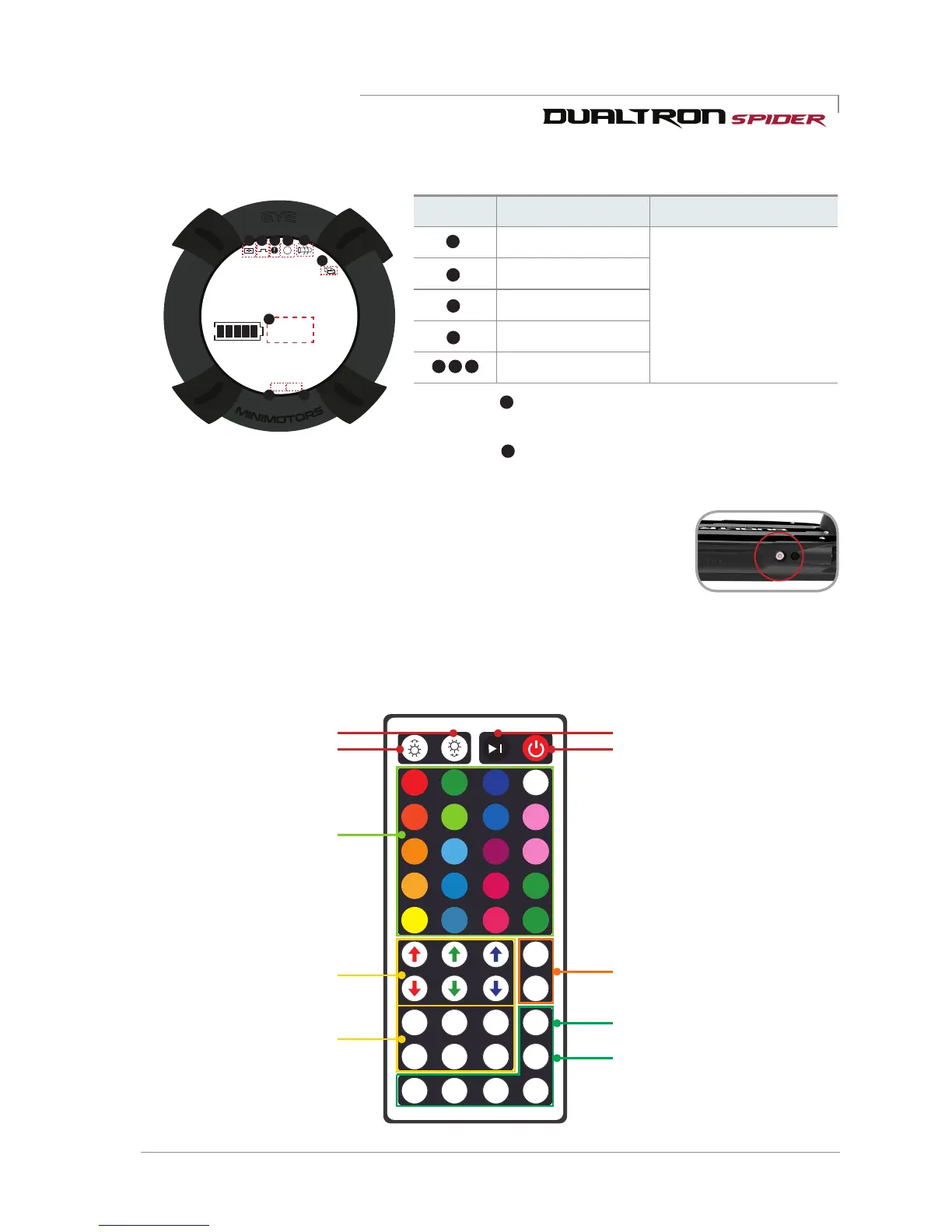
Fault type Diagnosis Solution
System error
* If the error information
appears, immediately stop
using the product and take
the scooter to the service
center before use. Excessive
use can result in damage
to the product and safety
accidents.
Motor error
Accelerator error
Controller error
None
* The number is displayed when the cruise function is executed at a
constant speed.
* The number is displayed when the brake lever is operated. (When
the indicator lights, the accelerator does not operate.)


 To Next Page