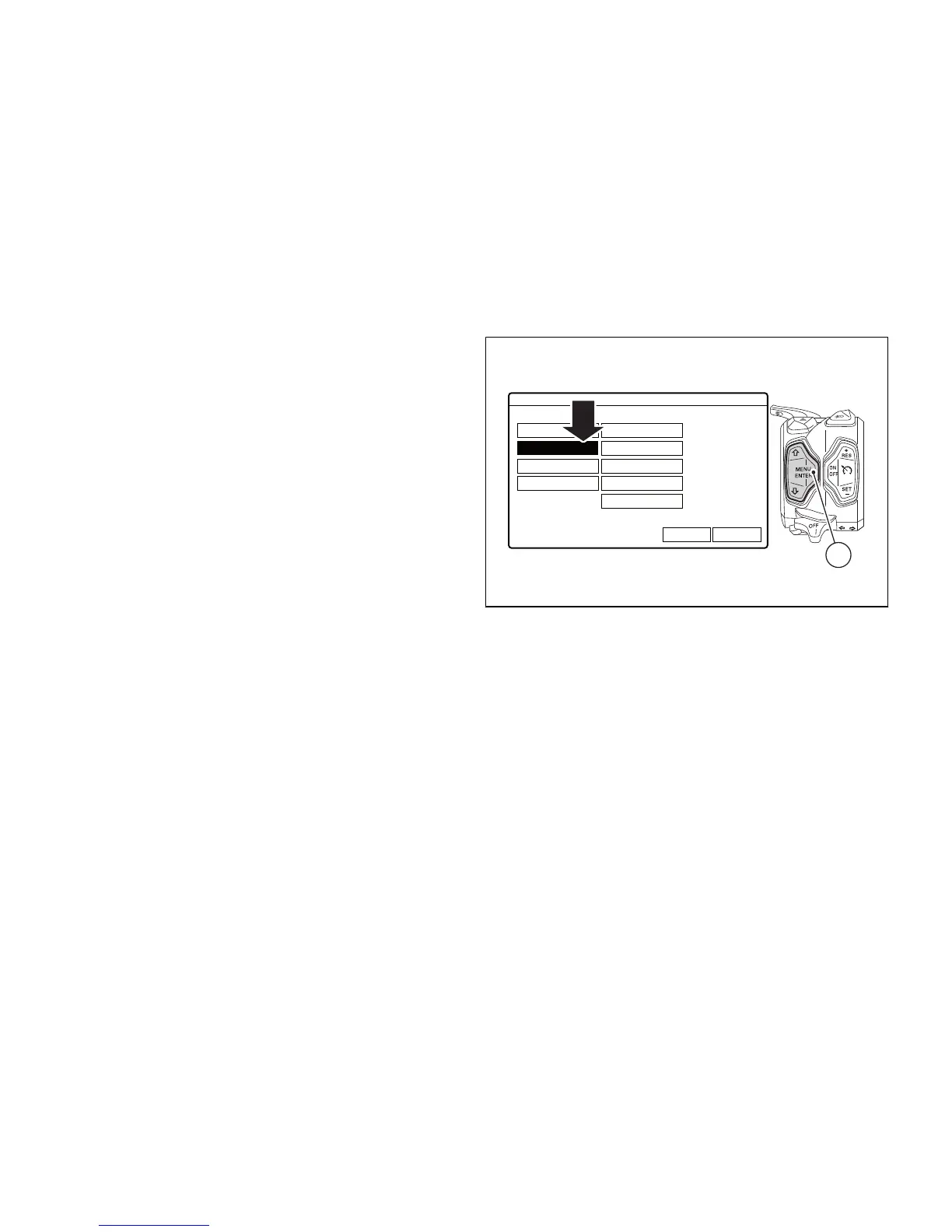
Display mode setting
The display mode can be customised
by selecting one of the four available display modes:
CORE, FULL, TRACK and OFF ROAD. Every mode is
associated to a Riding Mode and in "Default" mode,
when the Riding Mode changes, also the display
mode changes.
Nevertheless, it is possible to select a specific display
mode so that the instrument panel layout stays the
same, regardless of the selected Riding Mode.
To select the display mode open the Setting Menu.
Select INFO MODE option, by pressing button (1) or
(2). Once function is highlighted, press button (4).



 To Next Page