- Display - Units
This function allows the units of
measurement used by the instrument panel.
●
Enter the menu.
●
Use
and to select the “Display”
item and press the
●
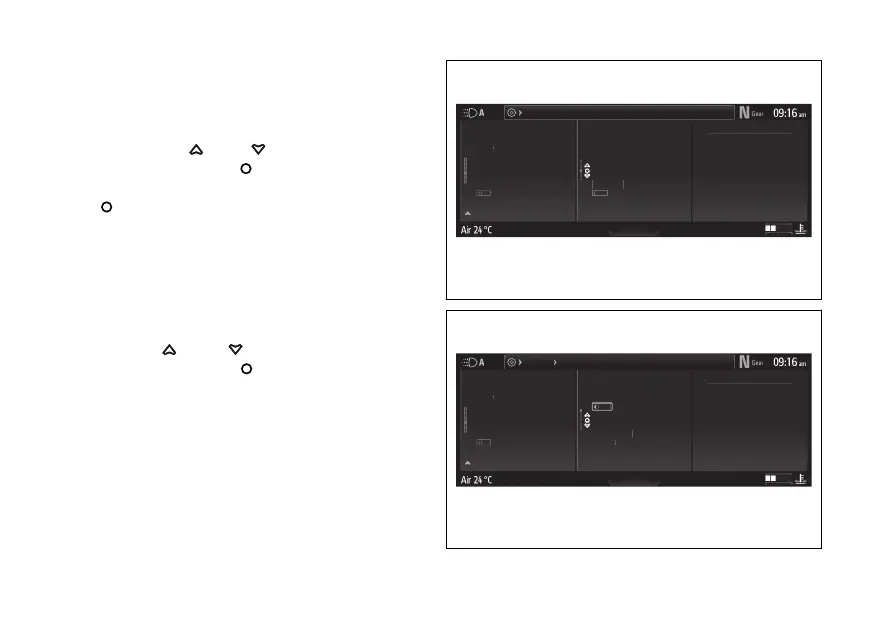
Select the “Units” (Fig 196) option and press
.
The following items are displayed: “Speed”,
“Temperature”, “Consumption”, “Pressure” (if
present) and “Default” (visible only if one or more
measurement units have been changed) (Fig 197).
The measurement unit currently set for the selected
item is shown on the right.
Use and to scroll and select the
desired item. Press the to confirm.
Fig 196
Fig 197
260










 To Next Page