Please use this tool or “FACOTRY” file to update date/time before
first use. Please follow operation below or video guide at Youtube
https://youtu.be/EAA8GetwgoQ
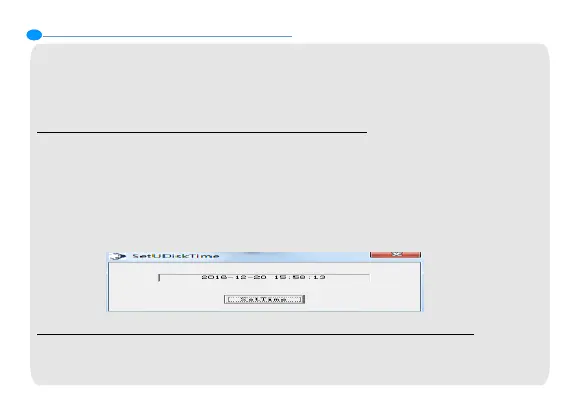
Method 1 - Time Tool (for Windows system)
•Step 1: Connect to computer, enter device's disk, open file folder
named "Time Synchronization Tool".
•Step 2: Select “SET DISK TIME” and check whether the time at the
pop up frame is the same as the time shows at your computer.
•Step 3: If yes, click "SetTime" to complete the 'Synchronization'.
Method 2 - “FACTORY” Setting (for Mac/Windows system)
Step 1: Connect to computer, enter device's disk, open file
"FACTORY".
6.Time Synchronization Tool
14


 To Next Page
 Loading...