14
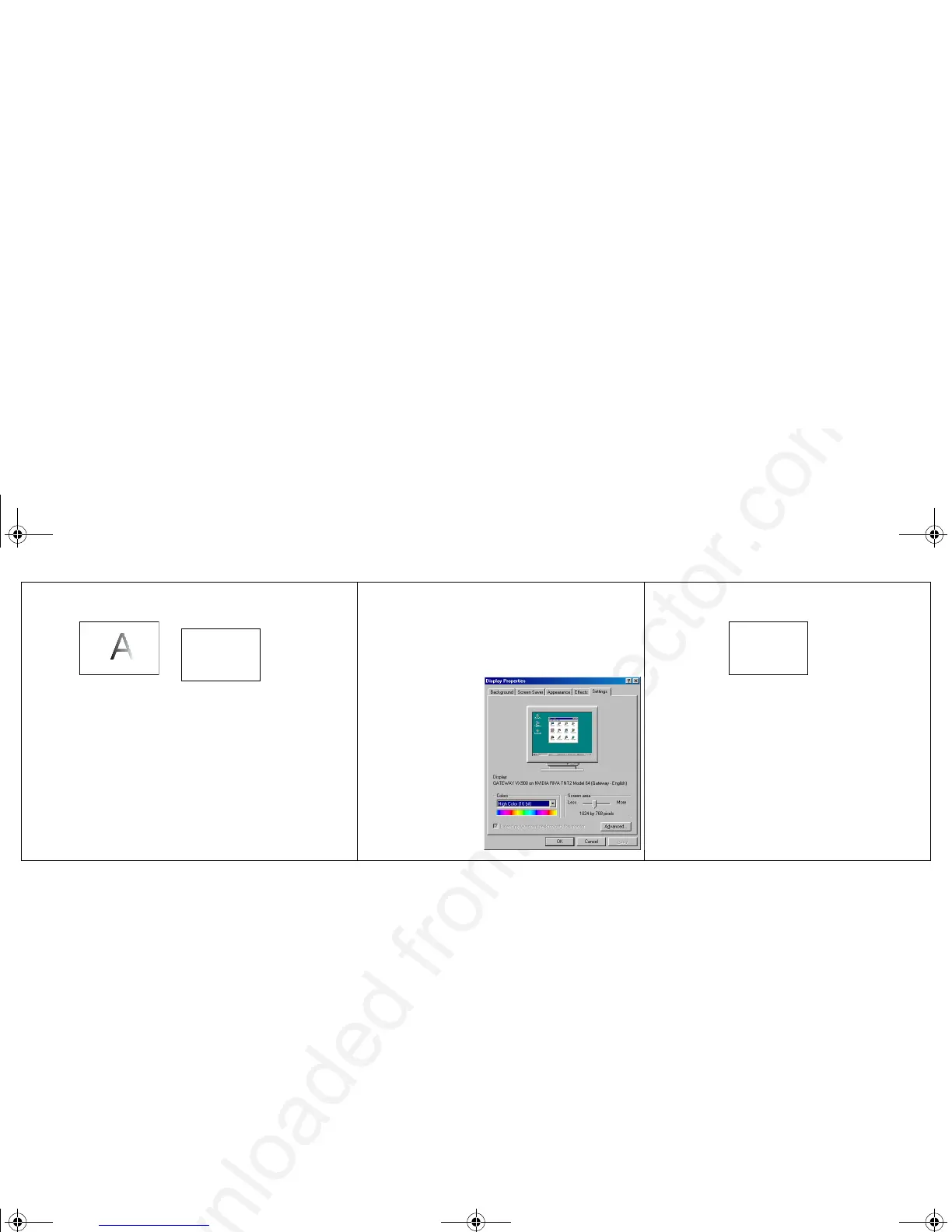
Image fuzzy or cropped
Set your computer’s display resolution to
the native resolution of the projector
(Start>Settings>Control
Panel>Display>Settings tab, select 800x600
for the SVGA version, 1024x768 for XGA)
Image clear and not cropped
A
AA
For a laptop,
disable laptop
monitor
or turn-on dual-
display mode
A
010-0393.fm Page 14 Monday, August 26, 2002 2:19 PM



 To Next Page