Updating Your Player and Getting More Information
Please check here for updated versions of player firmware (which may improve player functioning and
extend player possibilities):
http://dune-hd.com/fi rmware/
(Note: You can also connect the player to Internet and use the online firmware upgrade function, see
Setup / Misc / Firmware Upgrade.)
Please check here for more detailed and up-to-date documentation and information on player usage:
http://dune-hd.com/manuals/
http://dune-hd.com/support/
Modular System of Player Configuration
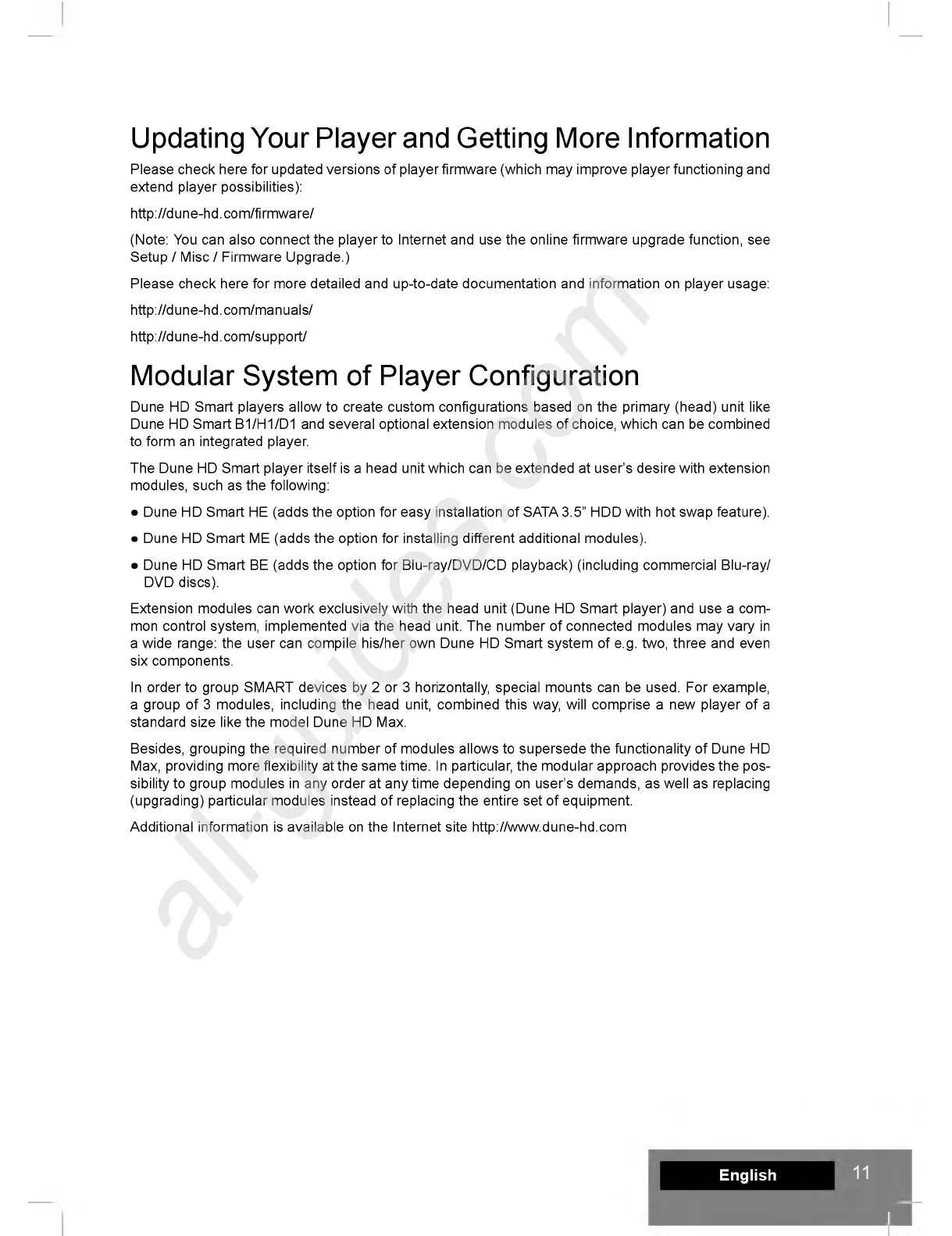
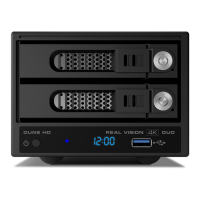
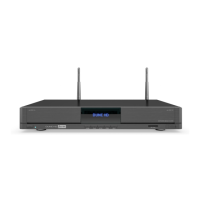
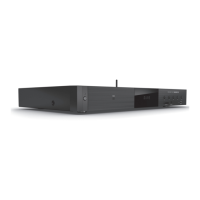
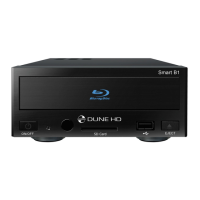
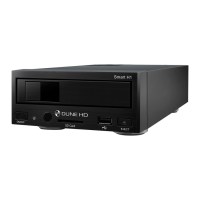
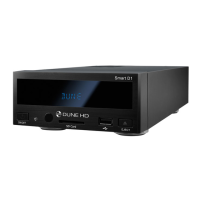
Dune HD Smart players allow to create custom configurations based on the primary (head) unit like
Dune HD Smart B1/H1/D1 and several optional extension modules of choice, which can be combined
to form an integrated player.
The Dune HD Smart player itself is a head unit which can be extended at user's desire with extension
modules, such as the following:
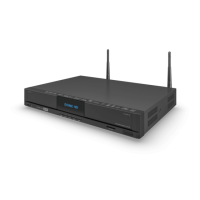
• Dune HD Smart HE (adds the option for easy installation of SATA 3.5” HDD with hot swap feature).
• Dune HD Smart ME (adds the option for installing different additional modules).
• Dune HD Smart BE (adds the option for Blu-ray/DVD/CD playback) (including commercial Blu-ray/
DVD discs).
Extension modules can work exclusively with the head unit (Dune HD Smart player) and use a com
mon control system, implemented via the head unit. The number of connected modules may vary in
a wide range: the user can compile his/her own Dune HD Smart system of e.g. two, three and even
six components.
In order to group SMART devices by 2 or 3 horizontally, special mounts can be used. For example,
a group of 3 modules, including the head unit, combined this way, will comprise a new player of a
standard size like the model Dune HD Max.
Besides, grouping the required number of modules allows to supersede the functionality of Dune HD
Max, providing more flexibility at the same time. In particular, the modular approach provides the pos
sibility to group modules in any order at any time depending on user's demands, as well as replacing
(upgrading) particular modules instead of replacing the entire set of equipment.
Additional information is available on the Internet site http://www.dune-hd.com
E nglish
11
II


 To Next Page