EasyManua.ls Logo

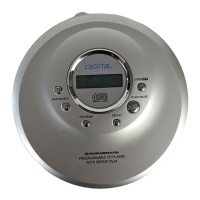
Durabrand CD-85 - Load the Disc; Connect the Headphones; Adjust the Volume

Durabrand CD-85
15 pages
Print Icon
To Next Page IconTo Next Page
To Previous Page IconTo Previous Page
Loading...
IB-CD85(21A-60C9)-WM-E-010603
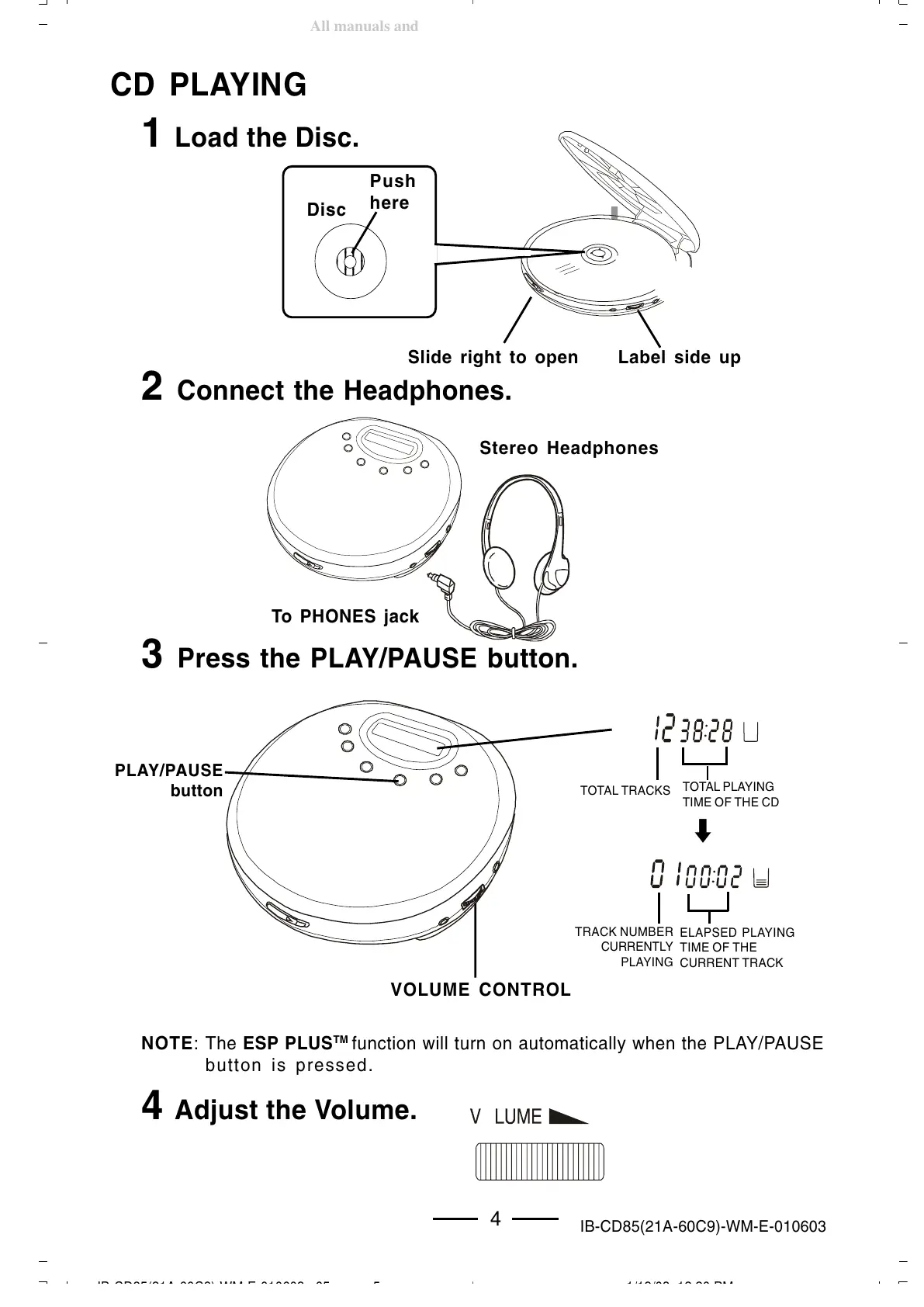
CD PLAYING
4 Adjust the Volume.
1 Load the Disc.
2 Connect the Headphones.
3 Press the PLAY/PAUSE button.
1234
1234
1234
1234
Push
here
Disc
Label side up
Slide right to open
To PHONES jack
NOTE: The ESP PLUS
TM
function will turn on automatically when the PLAY/PAUSE
button is pressed.
4
TOTAL TRACKS
TOTAL PLAYING
TIME OF THE CD
TRACK NUMBER
CURRENTLY
PLAYING
ELAPSED PLAYING
TIME OF THE
CURRENT TRACK
PLAY/PAUSE
button
VOLUME CONTROL
Stereo Headphones
IB-CD85(21A-60C8)-WM-E-010603.p65 1/13/03, 12:20 PM5
All manuals and user guides at all-guides.com

Related product manuals