EasyManua.ls Logo

Duracell inverter 1000 - User Manual

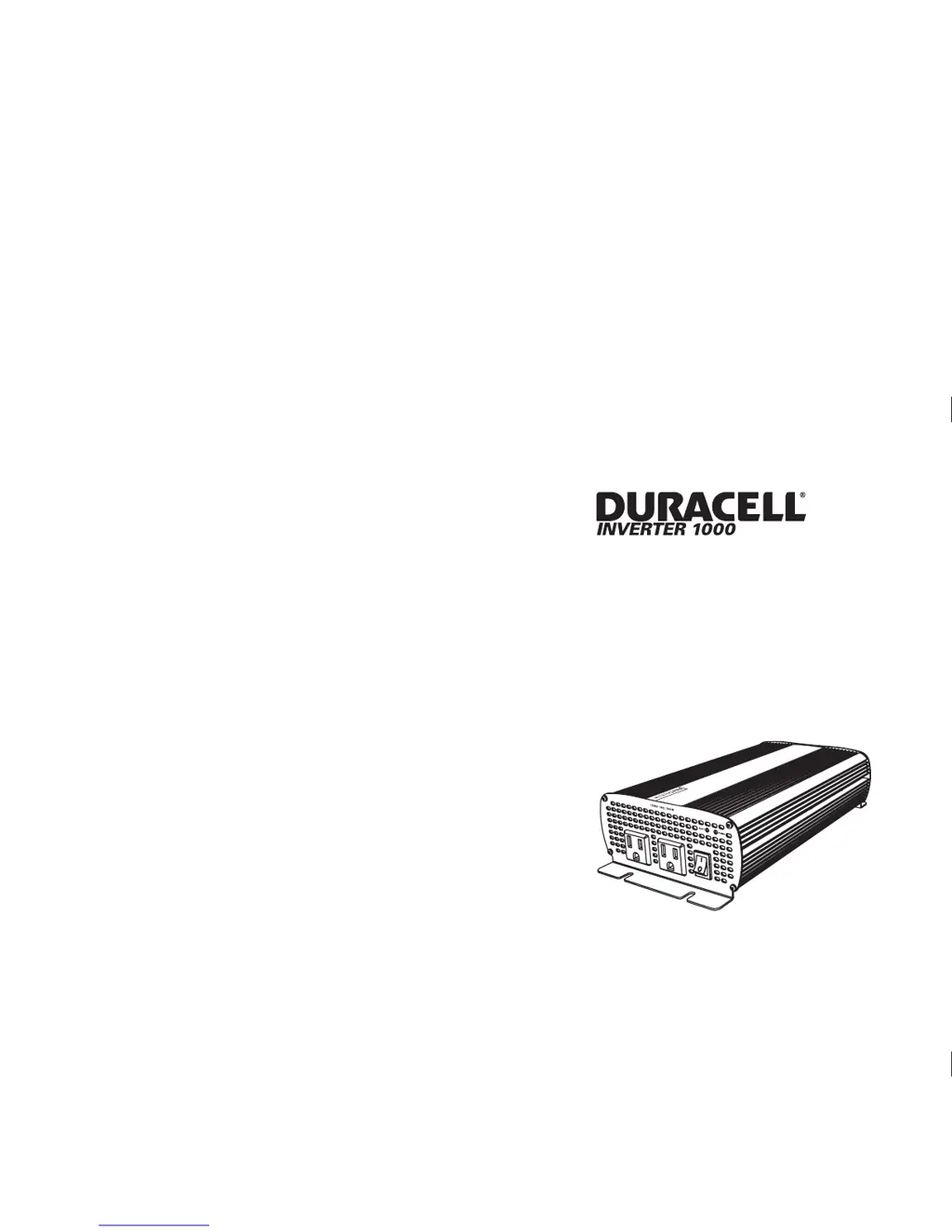
Duracell inverter 1000
65 pages
Print Icon
To Next Page IconTo Next Page
Loading...
Owner's Guide
975-0347-01-01 REV. B Printed in China
t 1 408 987 6359
www.xantrex.com/support

Table of Contents

Questions and Answers

  • M
    Michelle BrooksJul 30, 2025
    What to do if my Duracell 1000 has no output voltage and the Fault Light is on?
    • B
      brownnicoleJul 30, 2025
      If the Fault Light is on and there's no output voltage from your Duracell Inverter, it could be due to several reasons: low or high input voltage, thermal shutdown, unit overload, or a short circuit. To resolve this: * Recharge the battery and check the connections and cable, ensuring the inverter is connected to a 12V battery. * Check the voltage regulation of the charging system. * Allow the unit to cool off, improve ventilation, and ensure the ventilation openings are not obstructed. Reduce the ambient temperature. * Reduce the load to ensure it does not exceed the inverter's output rating. * Remove any short circuits.
  • M
    Mark StewartAug 3, 2025
    Why is my Duracell 1000 showing a low output voltage?
    • L
      Laurie BryantAug 3, 2025
      If your Duracell Inverter shows a low output voltage (96 VAC–104 VAC), it might be because your voltmeter cannot accurately read the RMS voltage of a modified sine wave. Use a true RMS reading voltmeter, such as the Fluke 87, to check the voltage. Also, verify the connections and cable and ensure the battery is fully charged. Recharge the battery if necessary, and reduce the load on the inverter.
  • B
    billy04Aug 8, 2025
    What to do if my Duracell 1000 Inverter has no output voltage and both lights are off?
    • C
      ckingAug 8, 2025
      If your Duracell Inverter has no output voltage and both the Power Light and Fault Light are off, it could be due to several reasons. First, ensure that the inverter is turned on. Next, check the wiring to the inverter and to the Disconnect/Battery Selector Switch to ensure everything is properly connected. It's possible the inverter has been damaged, potentially from being connected with reverse DC input polarity. In this case, return the unit for repair, but note that damage caused by reverse polarity is typically not covered by the warranty.
  • D
    Diana MorganAug 11, 2025
    How to stop buzz in audio equipment when using Duracell 1000 Inverter?
    • M
      Manuel WilliamsAug 11, 2025
      If you're experiencing a buzz in your audio equipment when using a Duracell Inverter, it's likely that the power supply in your audio system isn't adequately filtering the modified sine wave produced by the inverter. To resolve this, use a sound system with a higher quality power supply.
  • K
    Karen RodriguezAug 16, 2025
    Why does the low battery alarm stay on for my Duracell 1000 Inverter?
    • K
      Karen RuizAug 16, 2025
      If the low battery alarm stays on for your Duracell Inverter, it could be due to poor DC wiring or the battery's condition. Ensure you are using the correct cable size and lengths and that all connections are solid. You may also need to charge the battery or install a new one.
  • E
    emily53Aug 21, 2025
    How to improve television reception when using a Duracell 1000 Inverter?
    • R
      Richard NorrisAug 21, 2025
      To improve television reception with a Duracell Inverter: * Ensure the chassis ground screw on the rear of the inverter is securely connected to the ground system of your vehicle or home. * Verify the television antenna provides a strong, clear signal and use good quality cable between the antenna and the television. * Keep the cables between the battery and the inverter as short as possible, twisting them together with two to three twists per foot. * Move the television as far away from the inverter as possible. * Avoid operating high power loads with the inverter while the television is on.
  • J
    Jamie MorenoAug 25, 2025
    What to do if Duracell 1000 does not restart after a fault?
    • C
      Cameron HernandezAug 25, 2025
      If your Duracell Inverter doesn't restart after a fault condition, it might be because you're trying to restart it too soon. Turn off the unit and wait approximately 3 to 5 seconds before turning it back on.

Summary

Important Safety Instructions

General Safety Precautions

This chapter contains important safety and operating instructions. Read and keep this Owner's Guide for future reference.

Safety Precautions

Explosive Gas Precautions

Working in the vicinity of lead-acid batteries is dangerous. Batteries generate explosive gases during normal operation.

Precautions When Working With Batteries

Follow all instructions published by the battery manufacturer and the manufacturer of the equipment in which the battery is installed.

Precautions for Using Rechargeable Appliances

The output of the inverter is non-sinusoidal. Some chargers for small rechargeable batteries can be damaged if connected to the Duracell® Inverter 1000.

Installation Guide

Designing Your Installation

Before doing anything else, you need to determine how you are going to use your Duracell, and then design a power system that will give you maximum performance.

Calculating Battery Requirements

Battery type and battery size strongly affect the performance of the Duracell. Determine how much battery capacity you need.

Choosing an Effective Charging System

The charging system must be appropriate for your particular installation. A well-designed charging system will ensure that power is available when you need it.

Choosing an Appropriate Location

The Duracell must only be installed in a location that is: Dry, Cool, Ventilated, Safe, Close to battery, Protected from battery gases.

Calculating Cable Sizes

To operate safely and effectively, the Duracell needs proper cables and fuses. Calculate DC input and chassis ground cable sizes.

Calculating Fuse;Circuit Breaker Size

Because your batteries can provide thousands of amps of short-circuit current, you need fuses or circuit breakers...

Installing the Duracell

Installation Safety Instructions

Before you start to install the Duracell: Review the 'Important Safety Instructions' on page v.

Installation Tools and Materials

Tools: Wire stripper, Wrench for DC terminals, Screwdrivers, Crimping tool. Materials: fasteners, DC input cable, ring terminals, lugs, fuse(s), chassis ground cable.

Overview of Installation Steps

These are the three steps for installing your Duracell: Mount the inverter, Connect the chassis ground, Connect the DC cables.

Mounting the Inverter

Do not mount the inverter under the hood of your vehicle. Select an appropriate mounting location and orientation.

Connecting the Chassis Ground

Never operate the Duracell without properly connecting the chassis ground.

Grounding Locations

You must connect the chassis ground terminal to a grounding point. The grounding point varies depending on where you install the Duracell.

Chassis Ground Screw Connection

We recommend that you attach the cable to the chassis ground screw with a ring terminal.

Connecting the DC Cables

Consult Figure 3-1, 'Configuration for Normal Loads' on page 3-2, or, Figure 3-2, 'Configuration for Heavy Loads' on page 3-3...

Operation

Turning the Inverter On and Off

The On/Off switch on the inverter's front panel turns the control circuit in the Duracell on and off.

Operating Limits

Inverter Loads

Routine Maintenance

Troubleshooting

Common Problems

Chapter 5 will help you identify the source of most problems that can occur with the Duracell.

Buzz in Audio Equipment

Some inexpensive stereo systems may emit a buzzing noise from their loudspeakers when operated from the Duracell.

Television Reception Interference

When the Duracell is operating, it can interfere with television reception on some channels.

Troubleshooting Reference

Troubleshooting Table

Provides a reference for problems, possible causes, and solutions for common issues like low output voltage or no output voltage.

Specifications

Battery Types and Selection

Battery Size and Capacity

Discusses battery size or capacity as crucial for efficient operation and the importance of purchasing sufficient capacity.

Estimating Battery Requirements

Using Multiple Batteries

Battery Tips

Battery State of Charge

Alternators and Charging Systems

Charging System Requirements

Your charging system should deliver 25% of battery amp-hour capacity and charge to 14.4 volts.

Duracell inverter 1000 Specifications

General IconGeneral
BrandDuracell
Modelinverter 1000
CategoryInverter
LanguageEnglish

Related product manuals