EasyManua.ls Logo

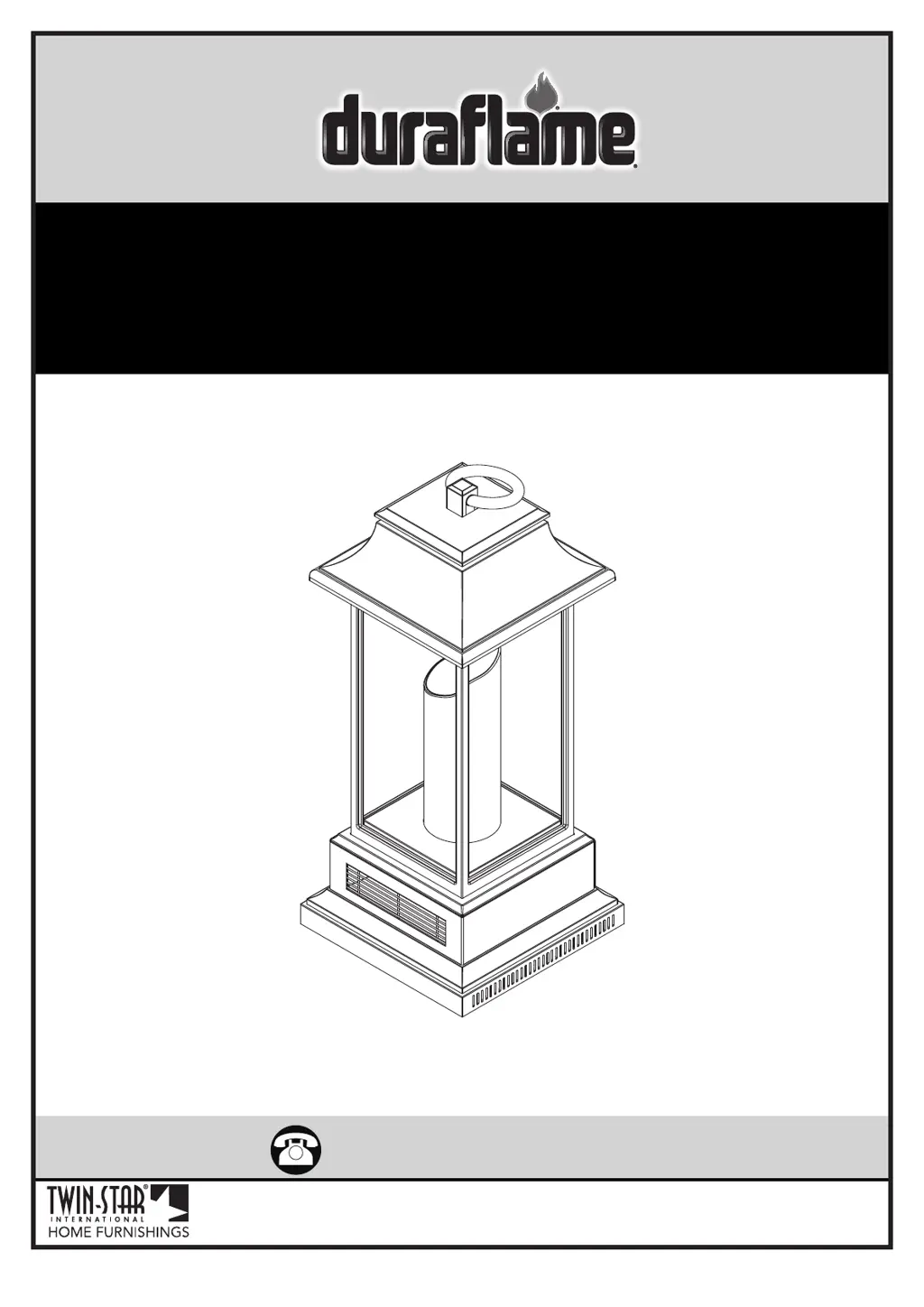
Duraflame 10ILH110-01 - User Manual

Duraflame 10ILH110-01
10 pages
Print Icon
To Next Page IconTo Next Page
Loading...
www.tsicustomerservice.com
(+1) 888-674-7517
www.tsicustomerservice.comA450
1
Twin-Star International, Inc; Delray Beach, FL 33445
Made in China • Printed in China
MODELS :
10ILH110-01, 10ILH110-02, 10ILH110-03
10ILH110-04, 10ILH110-05

Questions and Answers

  • J
    Jose FreemanAug 3, 2025
    Why is my Duraflame 10ILH110-01 taking so long to heat up?
    • V
      Victor SmithAug 3, 2025
      Several factors can affect how quickly your Duraflame Lantern heats a room. Ensure the unit is placed on an inside wall with proper insulation, as it's designed to supplement an existing heat source for areas up to 1000 sq/ft. Also, make sure the back and sides of the heater have at least 6 inches of clearance for proper air intake. Finally, plug the unit directly into a wall outlet instead of using a surge protector or extension cord.
  • M
    Miguel CaseyAug 7, 2025
    What to do if Duraflame 10ILH110-01 remote is not working?
    • E
      Evelyn ShahAug 8, 2025
      If your Duraflame Lantern's remote isn't working, first, replace the batteries. If that doesn't solve the issue, try operating the remote slowly, pressing the buttons gently and evenly, as rapid presses can cause malfunctions. Also, ensure you're within 20 feet of the appliance and pointing the remote directly at the control panel.
  • E
    Evan FlemingAug 13, 2025
    What to do if my Duraflame 10ILH110-01 heater does not turn on?
    • P
      Peter EvansAug 13, 2025
      If your Duraflame Lantern's heater isn't turning on, turn the power switch to “OFF” and unplug the unit from the wall outlet for 30 minutes. After 30 minutes, plug it back in and try operating it normally.
  • A
    Adam DrakeAug 18, 2025
    Why won't the temperature change on my Duraflame 10ILH110-01?
    • S
      spenceseanAug 18, 2025
      If the temperature setting on your Duraflame Lantern isn't changing, the control panel circuit board may be defective. Replace the control panel circuit board.
  • D
    Dennis AllenAug 22, 2025
    What to do if Duraflame 10ILH110-01 Lantern buttons do not work?
    • D
      Danielle LozanoAug 23, 2025
      If the buttons on your Duraflame Lantern aren't working, the control panel circuit board may be defective. Replace the control panel circuit board.
  • J
    Jerry FernandezAug 27, 2025
    Why is the control panel not illuminating on my Duraflame 10ILH110-01 Lantern?
    • S
      skinnerpamelaAug 28, 2025
      If the control panel on your Duraflame Lantern isn't illuminating, the control panel circuit board may be defective. Replace the control panel circuit board.

Summary

IMPORTANT INSTRUCTIONS

GETTING STARTED

PRODUCT SPECIFICATIONS

OPERATION INSTRUCTIONS

TROUBLESHOOTING

Heater Slow to Reach Temperature

Ensure proper placement and clear air intake for optimal heating performance.

Temperature Control Not Changing

Addresses issues where temperature settings are not effective; check circuit board.

Heater Not Turning On

Steps to reset the unit after power loss or malfunction for heater restart.

Unresponsive Control Buttons

Recommends replacing the control panel circuit board if buttons do not function.

Blank Control Panel Display

Suggests replacing the control panel circuit board if the display remains off.

Remote Control Malfunctions

Solutions for remote signal or distance problems, including battery checks.

REPLACEMENT PARTS

Component Parts List

Comprehensive list of all available replacement parts and their corresponding part numbers.

CARE AND MAINTENANCE

FCC;IC INFORMATION

BATTERY REPLACEMENT

1-YEAR LIMITED WARRANTY

CUSTOMER SERVICE

Duraflame 10ILH110-01 Specifications

General IconGeneral
Model10ILH110-01
Product TypeLantern
BrandDuraflame
ColorBlack
MaterialMetal
Flame AdjustableYes
Wind ResistantYes
RefillableYes
Bulb TypeNot applicable (flame-based lantern)

Related product manuals