EasyManua.ls Logo

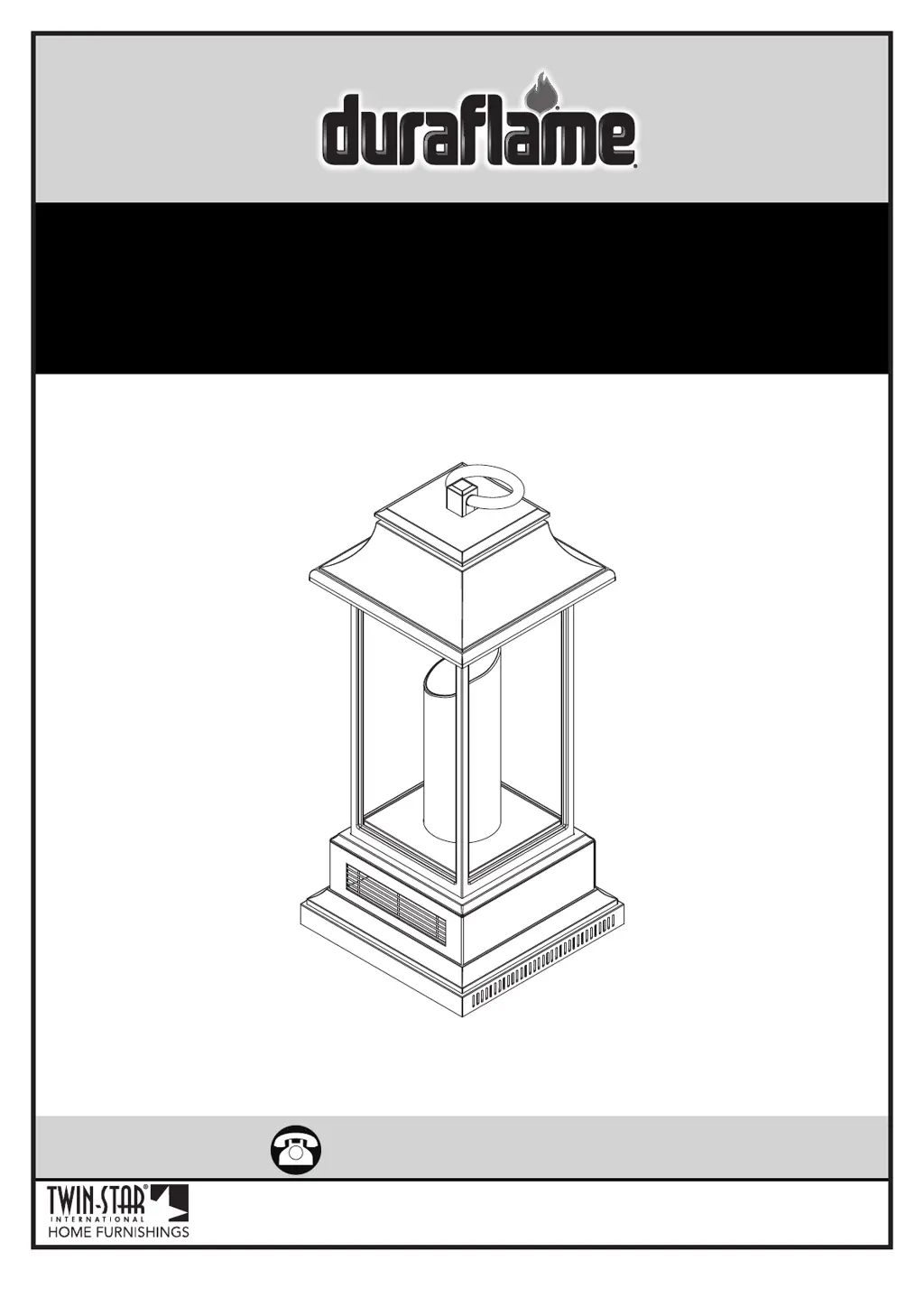
Duraflame 10ILH110-02 - User Manual

Duraflame 10ILH110-02
10 pages
Print Icon
To Next Page IconTo Next Page
Loading...
www.tsicustomerservice.com
(+1) 888-674-7517
www.tsicustomerservice.comA450
1
Twin-Star International, Inc; Delray Beach, FL 33445
Made in China • Printed in China
MODELS :
10ILH110-01, 10ILH110-02, 10ILH110-03
10ILH110-04, 10ILH110-05

Questions and Answers

  • S
    Sherry EdwardsAug 7, 2025
    Why is my Duraflame 10ILH110-02 taking so long to heat up?
    • S
      Sarah DoyleAug 7, 2025
      Several factors can affect how quickly your Duraflame Lantern heats a room. Ensure the unit is placed on an inside wall with proper insulation, as it's designed to supplement an existing heat source for areas up to 1000 sq/ft. Also, make sure the back and sides of the heater have at least 6 inches of clearance for proper air intake. Finally, plug the unit directly into a wall outlet instead of using a surge protector or extension cord.
  • S
    samuel82Aug 12, 2025
    What to do if Duraflame 10ILH110-02 remote is not working?
    • D
      Damon AlexanderAug 12, 2025
      If your Duraflame Lantern's remote isn't working, first, replace the batteries. If that doesn't solve the issue, try operating the remote slowly, pressing the buttons gently and evenly, as rapid presses can cause malfunctions. Also, ensure you're within 20 feet of the appliance and pointing the remote directly at the control panel.
  • J
    Jacqueline TorresAug 17, 2025
    What to do if my Duraflame 10ILH110-02 Lantern heater does not turn on?
    • A
      angela40Aug 17, 2025
      If your Duraflame Lantern's heater isn't turning on, turn the power switch to “OFF” and unplug the unit from the wall outlet for 30 minutes. After 30 minutes, plug it back in and try operating it normally.
  • M
    Marvin ThomasAug 22, 2025
    Why won't the temperature change on my Duraflame 10ILH110-02?
    • M
      Mary HillAug 22, 2025
      If the temperature setting on your Duraflame Lantern isn't changing, the control panel circuit board may be defective. Replace the control panel circuit board.
  • P
    Peter ThomasAug 27, 2025
    What to do if Duraflame 10ILH110-02 Lantern buttons do not work?
    • J
      Jean KleinAug 27, 2025
      If the buttons on your Duraflame Lantern aren't working, the control panel circuit board may be defective. Replace the control panel circuit board.
  • A
    Amy JacksonSep 1, 2025
    Why is the control panel not illuminating on my Duraflame 10ILH110-02?
    • J
      jeffreywintersSep 1, 2025
      If the control panel on your Duraflame Lantern isn't illuminating, the control panel circuit board may be defective. Replace the control panel circuit board.

Summary

IMPORTANT INSTRUCTIONS

General Safety Precautions

Essential safety guidelines for using the appliance to prevent fire, shock, and injury.

Appliance Usage and Electrical Safety

Outlines restrictions on usage, cord handling, grounding, and extension cord prohibition.

GETTING STARTED

Product Identification and Registration

Locating serial/model numbers and guidance for product warranty registration.

PRODUCT SPECIFICATIONS

Electrical Requirements

Details voltage, amperage, and wattage for the appliance.

OPERATION INSTRUCTIONS

Control Panel and Remote Overview

Visual introduction to the control panel and remote for operating the lantern.

Detailed Function Operations

Explains Power, Heater, Candlelight, Downlight, and Cool Down Cycle functions and settings.

TROUBLESHOOTING

Common Issues and Solutions

Addresses heating performance, power, control panel, and remote control problems with corrective actions.

REPLACEMENT PARTS

Component Identification and Part Numbers

Lists all replacement parts with their corresponding part numbers and visual references.

CARE AND MAINTENANCE

Cleaning Procedures and Safety

Provides instructions for cleaning the trim and emphasizes safety during maintenance.

FCC;IC INFORMATION

Regulatory Compliance and Interference

Details FCC/IC compliance and measures to address radio frequency interference.

BATTERY REPLACEMENT

Remote Battery Installation Guide

Step-by-step instructions for replacing batteries in the remote control, including cautions.

1-YEAR LIMITED WARRANTY

Warranty Terms and Conditions

Explains the duration, conditions, limitations, and voiding factors of the product warranty.

CUSTOMER SERVICE

Support Contact and Information Needed

Provides customer service contact details and essential information required for support.

Duraflame 10ILH110-02 Specifications

General IconGeneral
Model10ILH110-02
Product TypeLantern
ColorBlack
Flame EffectRealistic Flickering Flame
MaterialMetal

Related product manuals