EasyManua.ls Logo

DUROMAX XP5500EH - User Manual

DUROMAX XP5500EH
82 pages
Print Icon
To Next Page IconTo Next Page
Loading...
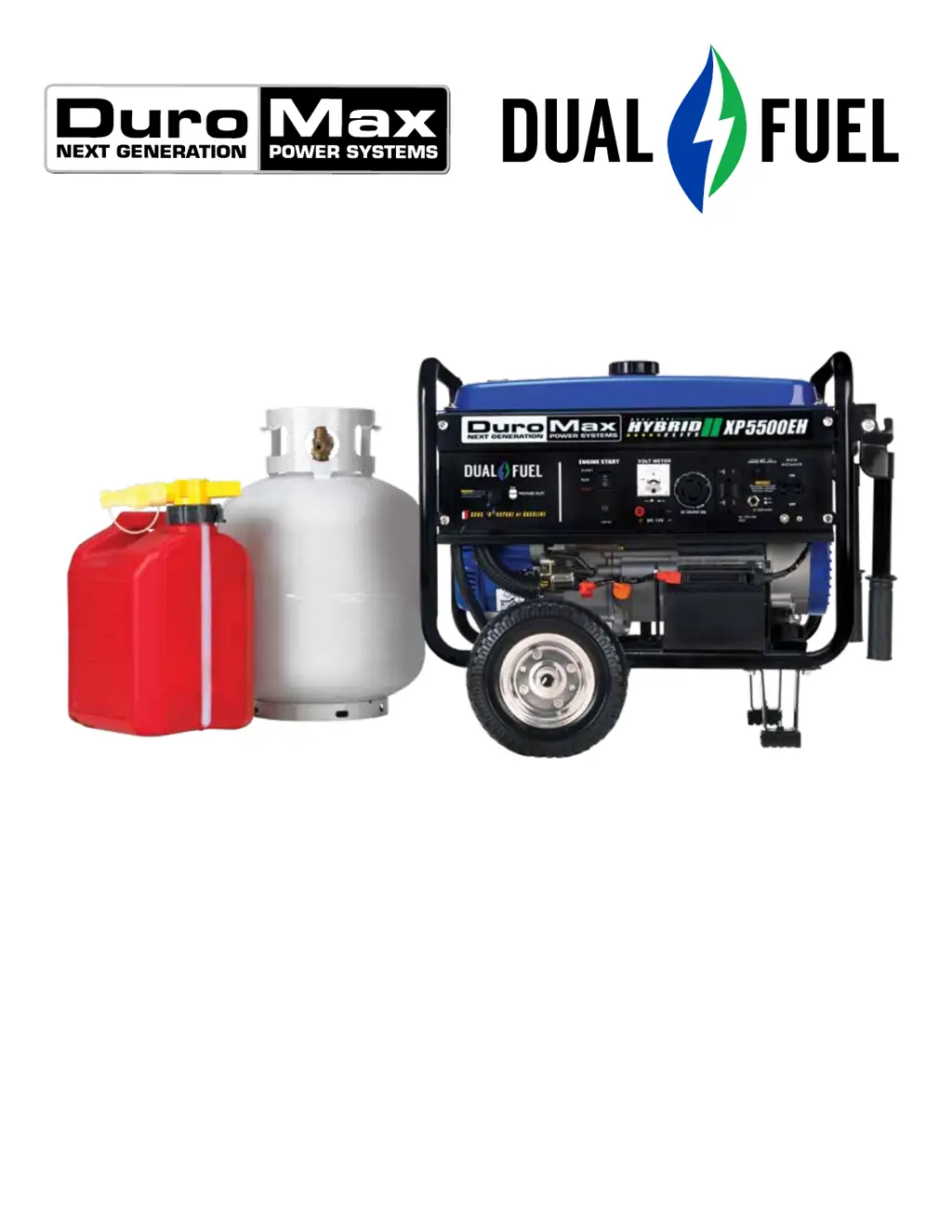
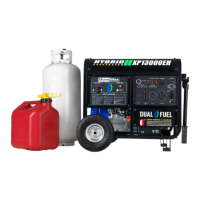
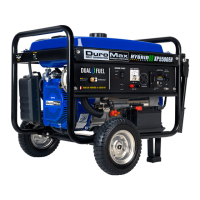
XP5500EH GENERATOR
This manual provides information regarding the operation
and maintenance of these products. We have made every
effort to ensure the accuracy of the information in this
manual. We reserve the right to change this product at
any time without prior notice.
5800 Ontario Mills Pkwy
Ontario, CA 91764 USA
www.duromaxpower.com
Call our Customer Care Team Toll Free 8-5pm PST Mon-Fri
844-DUROMAX
User Manual
*Gasoline & Propane Tank Not Included
REV: XP5500EH-03302020

Other manuals for DUROMAX XP5500EH

Questions and Answers

  • J
    Jeffrey CoxJul 28, 2025
    How to troubleshoot a DUROMAX XP5500EH when the engine will not start?
    • P
      Paul ScottJul 28, 2025
      If your DuroMax Inverter engine won't start, there are several potential causes: * The engine switch might be off, so set it to “run”. * The fuel valve might be closed, so turn it to “open”. * The choke might be open, so close it. * The engine might be out of fuel, so add fuel. * The fuel might be old or contaminated, so change it. * The spark plug might be dirty, so clean it or replace it if broken. * The generator might not be level, so move it to a level surface. * The oil might be low, so add or change the oil.
  • L
    leah56Aug 2, 2025
    How to fix a DUROMAX Portable Generator that will not start?
    • R
      Rebecca BaldwinAug 2, 2025
      If your DUROMAX Portable Generator's engine won't start, there are several potential causes: * The engine switch might be "Off"; set it to "Run". * The fuel valve might be "Closed"; turn it to "Open". * The choke may be open; close it. * The engine could be out of fuel; add fuel. * The fuel might be old or contaminated; change the fuel. * The spark plug might be dirty; clean it. * The spark plug might be broken; replace it. * The generator might not be level; move it to a level surface. * The oil might be low; add or change the oil.
  • T
    Tyler BarnesAug 7, 2025
    What to do if my DUROMAX XP5500EH Inverter runs but does not support all electrical devices connected?
    • C
      Crystal DuarteAug 7, 2025
      If your DuroMax Inverter runs but doesn't support all connected electrical devices, it could be due to: * The generator being overloaded. Disconnect one or more items to reduce the load. * A malfunctioning device connected to the generator. Disconnect the faulty device. * A dirty air filter. Clean or replace the air filter.
  • D
    dalexanderAug 12, 2025
    Why does my DUROMAX XP5500EH Inverter engine run, but there is no electrical output?
    • J
      John BraunAug 12, 2025
      If your DuroMax Inverter engine runs, but there is no electrical output, it might be due to: * The circuit breaker being off. Turn the circuit breaker on. * A bad wiring connection. Replace the extension cord(s). * A malfunctioning device connected to the generator. Disconnect the device.
  • T
    Teresa DelgadoAug 17, 2025
    What to do if my DUROMAX Portable Generator runs, but there is no electrical output?
    • C
      Courtney ChapmanAug 17, 2025
      If your DUROMAX Portable Generator runs but has no electrical output, first, ensure the circuit breaker is turned "On". A bad wiring connection could also be the cause, so try replacing the extension cord(s). Finally, disconnect any malfunctioning devices that may be causing the issue.
  • W
    whiteryanAug 22, 2025
    Why does my DUROMAX Portable Generator run, but not support all electrical devices?
    • S
      Sabrina AyalaAug 22, 2025
      If your DUROMAX Portable Generator runs, but does not support all connected electrical devices, it might be overloaded. Disconnect one or more items to reduce the load. Also, a malfunctioning device could be the cause, so disconnect it. Lastly, a dirty air cleaner can cause this issue, so clean or replace the air filter.

Summary

Introduction

General Safety Procedures

Unit and Purchase Information

Serial Number Location and Format

Identifies where to find the serial number and its structure.

Purchase Receipt Information

Instructions for stapling or saving purchase receipts for warranty.

Quick Start

Quick Start Guide (Gasoline)

Step-by-step guide for starting the generator using gasoline.

Quick Start Guide (Propane)

Step-by-step guide for starting the generator using propane.

Generator Setup

Remove Shipping Braces

Instructions for removing protective braces before operation.

Wheel Kit Installation (Optional)

Steps for assembling the optional wheel kit for portability.

Connect the Battery

Guide on how to correctly connect the generator's battery.

Adding Oil

Procedure for adding the correct amount of engine oil.

Adding Gasoline (Optional)

Instructions for safely adding gasoline to the fuel tank.

Grounding the Generator

Explains the importance and method of grounding the generator.

High Altitude Operation

Advice on generator performance at higher altitudes.

Starting the Generator

Check the Oil Level

Procedure to check engine oil before starting.

Check the Gas Level (Optional)

How to check the gasoline fuel level before starting.

Start Generator Using Gasoline

Detailed steps for starting the generator with gasoline.

Start Generator Using Propane

Detailed steps for starting the generator with propane.

Start Generator Using Recoil Start

Instructions for starting the generator using the recoil method.

Using the Generator

AC Usage and Wattage Chart

Information on connecting AC devices and their wattage requirements.

Connecting Loads to the Generator

Steps for plugging in and balancing loads on the generator.

Voltage Selector Switch

Explains the function of the voltage selector switch.

Choosing the Right Power Cord

Guidance on selecting appropriate power cords based on requirements.

DC Usage

Instructions for using the DC receptacle to charge batteries.

Maintenance and Care

Maintenance Schedule

Recommended maintenance tasks and their frequency.

Maintenance Log

A template for logging performed maintenance.

Checking the Oil Level

Procedure to check the engine oil level.

Changing the Oil

Steps for draining and replacing engine oil.

Cleaning the Air Filter

Guide to cleaning and maintaining the air filter element.

Spark Plug Maintenance

Instructions for inspecting, cleaning, and gapping the spark plug.

Emptying the Gas Tank

Procedure for draining the fuel tank for storage.

Cleaning the Fuel Filter Cup

Steps to clean the fuel filter cup.

Storage and Transportation

Guidelines for storing and transporting the generator safely.

Specifications

Troubleshooting

Basic Troubleshooting Guide

Common problems and their solutions.

Changing; Inspecting Carbon Brushes

Procedure for inspecting and replacing carbon brushes.

Changing; Inspecting the AVR

Procedure for inspecting and replacing the Automatic Voltage Regulator.

Wiring Diagram

Electrical schematic for the generator.

Warranty

Warranty Coverage and Period

Details the 3-year warranty and coverage terms.

Warranty Exclusions

Lists conditions not covered by the warranty.

Warranty Limitations

States limitations on warranty claims and liabilities.

Emissions Control Warranty

Explains the warranty for emission control systems.

Customer Service

DUROMAX XP5500EH Specifications

General IconGeneral
Starting Watts5500 Watts
Fuel TypeGasoline
Engine Size224 cc
Weight120 lbs
Noise Level68 dB at 23 feet
Outlets2 x 120V AC, 1 x 12V DC
Engine Type4-Stroke OHV
Displacement224 cc
AC Output120V
DC Output12V
TypeInverter
Running Watts4500 Watts
Start MethodRecoil/Electric
Starting SystemRecoil/Electric

Related product manuals