5
Features
Function Indication
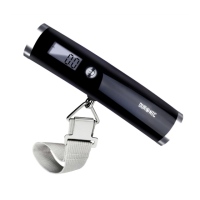
• Capacity: 50kg/7st:12.2lb/110.2lb
• Division: 0.1kg/0.2lb
• Weight Unit: kg/st/lb
• Minimal Weight: 0.5kg
• Function Key:
• Display; Positive LCD
• Battery: 1xCR2032
• Dimensions: 150x34x37mm
• Lock weight with beep tone
• Press to switch on
• Auto off function
• Press “ ” to switch on to enter weighing mode
• Press “ ” to select the desired unit
• Press and hold “ ” for about 2 seconds to switch off
• Press “ ” to make tare function in weighing mode
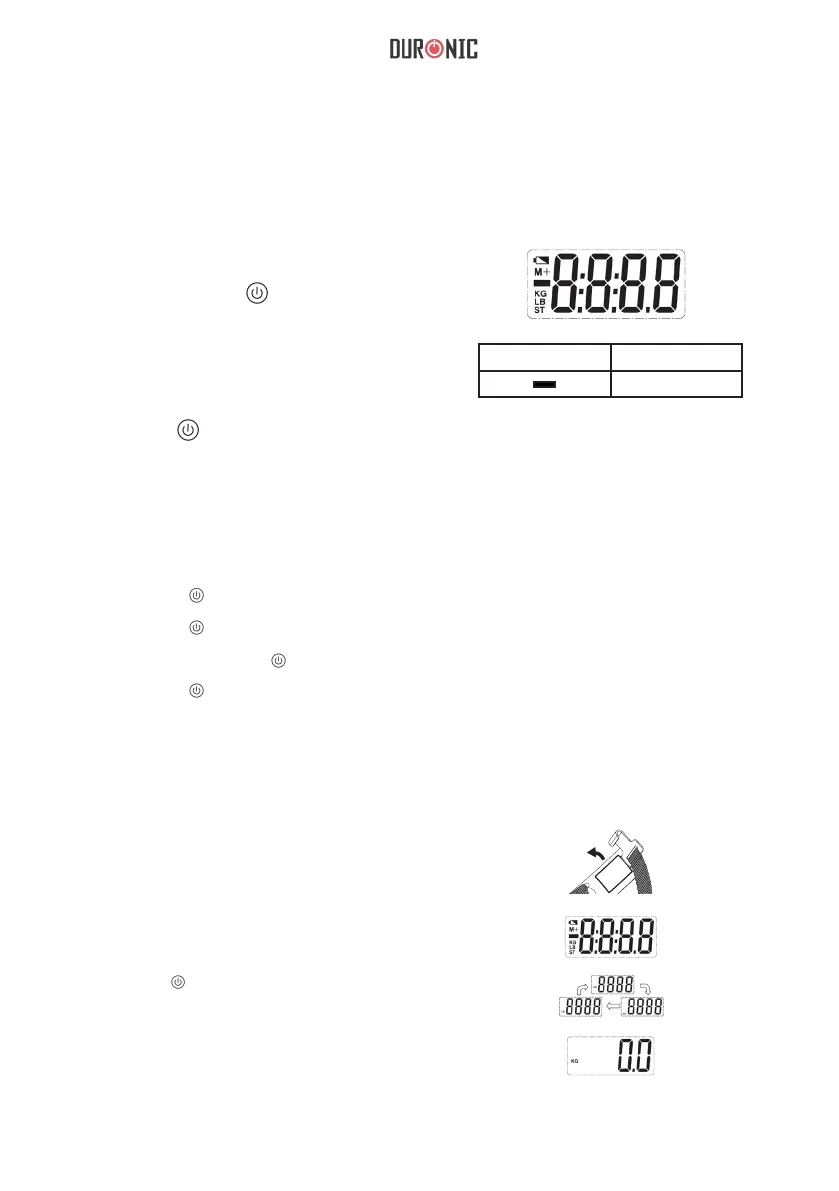
Symbol Description
Negative weight
Operation
1. Select desired unit before use.
a) Using the hook, open the battery
door at the back of the scale.
b) Put the battery in and ensure
+/- terminals are correct.
c) Press “ ” to select desired unit,
before the display shows zero.
d) After selecting the unit, please wait.
The scale will go into weighing mode.


 To Next Page