7
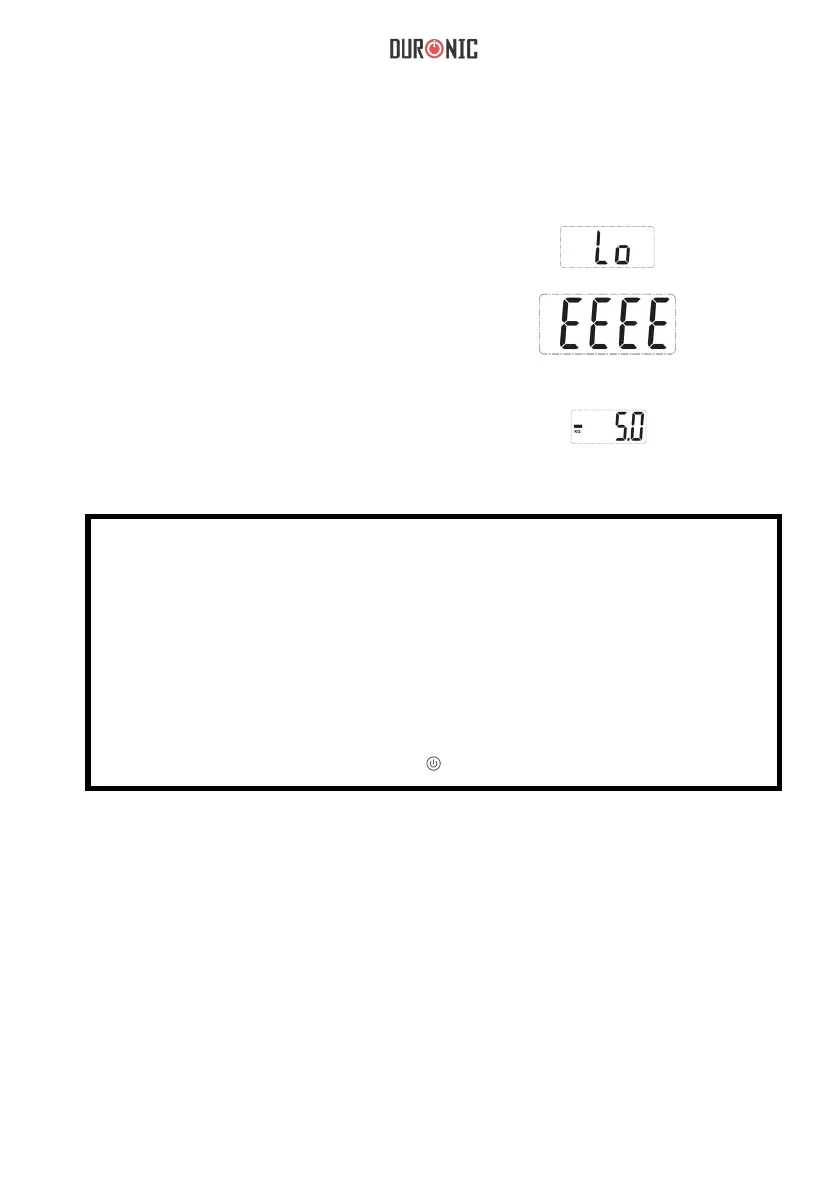
Indication Message
a) Low battery indication.
Please change the battery.
b) Overload indication.
Please remove the weight
to protect the loadcells.
This will show when the weight
it removed under ‘Tare’ function setting.
Negative weight indication.
Note:
• Please place the object you are weighing in the centre of
the scale platform to obtain a more accurate weight.
• Please do not put items on the hook while the device is switched on.
• If the scale is not being used for a long period of time, remove batteries.
• Clean the scale with a damp cloth.
• Do not immerse the scale in water or use
chemial or abrasive cleaning agents.
• To maximise battery life, press “ ” for 2 seconds to switch off.


 To Next Page