10
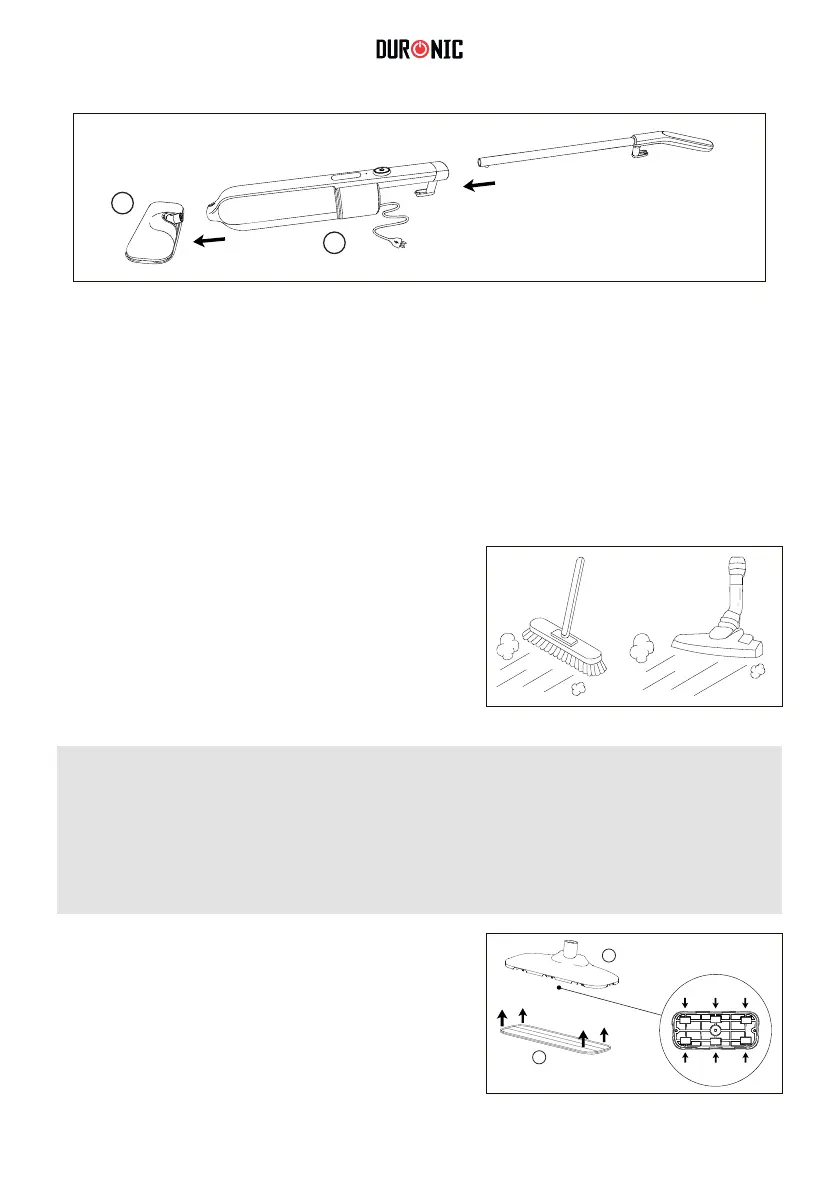
5. On the main unit(6), press down on the pole release button and slide the
handle into the main unit until you hear a “click” sound. The click sound
means the handle is now locked in place. Lastly, attach the mop head(9) to
the main unit ensuring it is clicked in place.
1. Before using the steam mop, ensure that
KDUGÀRRUVDUHVZHSWRUYDFXXPHGWR
remove any surface dirt or debris.
6
9
+RZWR8VH
Note:
:HUHFRPPHQGWRQRWXVHWKHVWHDPPRSRQEDUHZRRGHQÀRRUVXQVHDOHG
ÀRRULQJRURQDQ\VXUIDFHVZKHUHZRRGLVH[SRVHGDVLWZLOODEVRUE
moisture and may distort).
2. Attach a mop pad(9) to the mop head(8)
by aligning the hook & loop pads.
9
8



 To Next Page