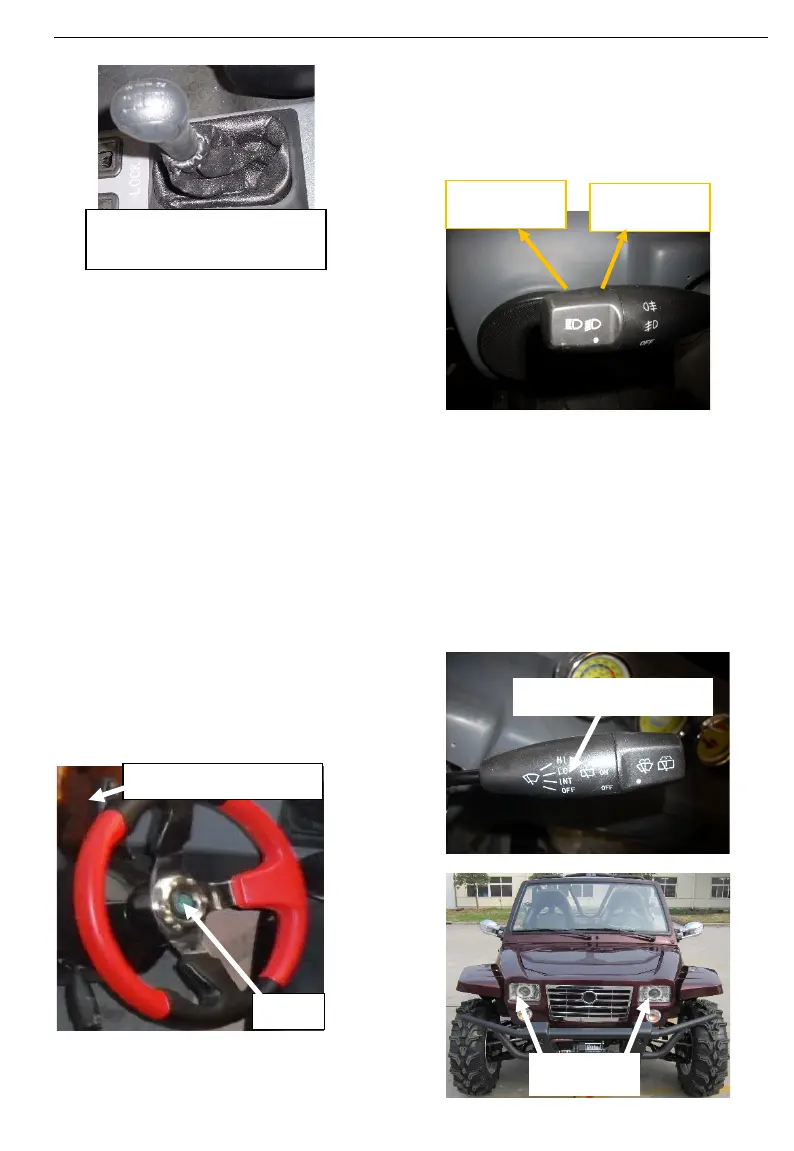
When started the vehicle, put
the gear in neutral, when the
engine started, press clutch
pedal by left foot, then move
transmission lever into desired
position, do not force lever. The
gear has 1,2,3,4 ,5and R, Gear1
is for starting, 2,3,4,5 is for
running, shift gears according to
the vehicle speed requirements.
R: Reverse: This allows the
vehicle to go backward.
The reverse speed is limited.
Before moving vehicle in reverse,
ensure the path behind is clear of
obstacles or bystanders.
4)
Multi-Function Switch
The multi-function switch is located
under the steering wheel as the
following illustration:
The functions located on this
multifunction switch are:
High/low beams of Headlamp
Switch, Turning Lamp, and
windscreen wiper.
When the Headlamp Switch is
“ON”, as following illustration,
sub-light in headlamp and tail
lights are in light, and
background lights in
speedometer and lamp indicator
are in light. When it is dark, or
raining/flog/bad visibility, you can
use this switch to remind others
your position.
The multi-function switch
(
)



 To Next Page