Pairing & Connection
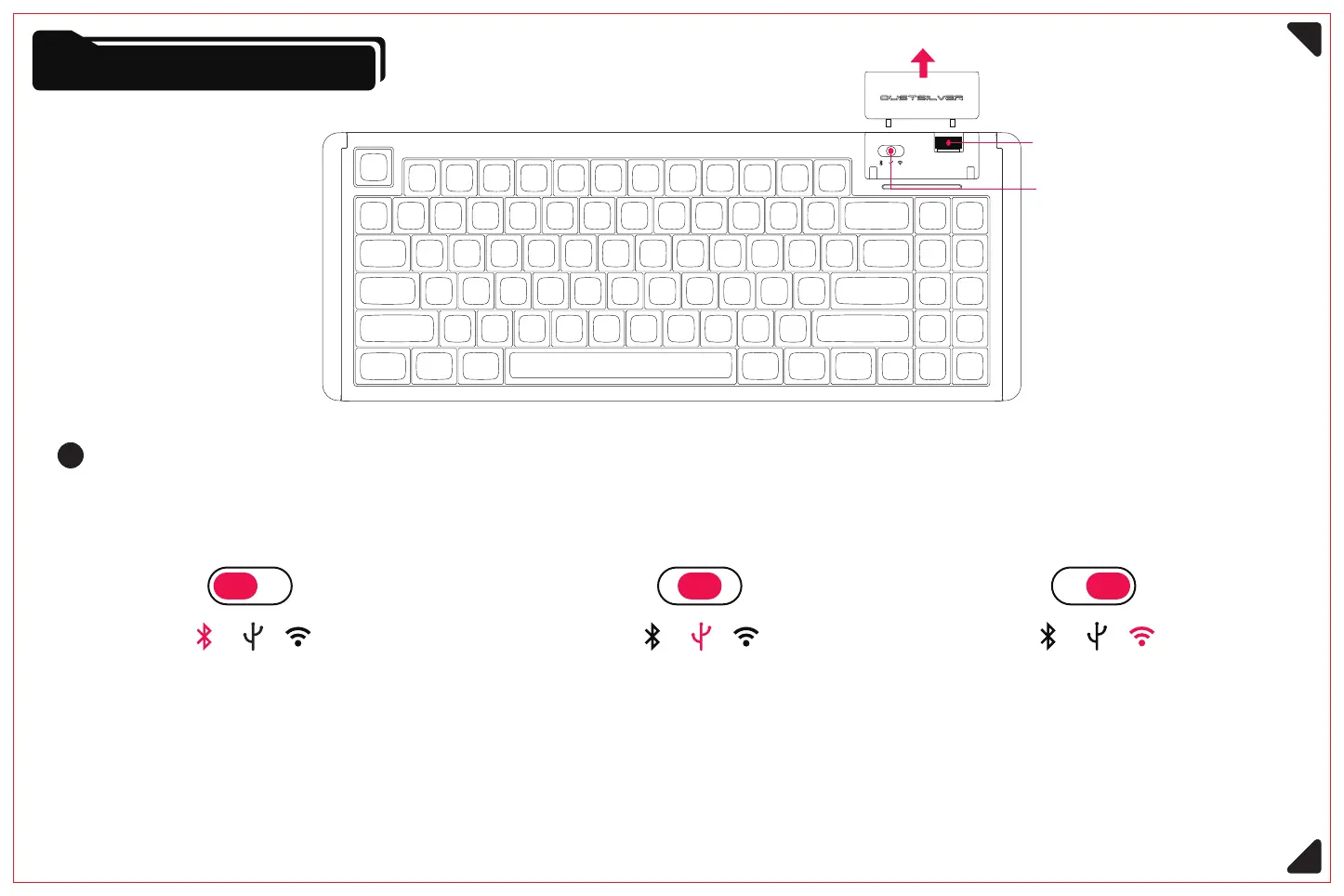
Connection mode switching switch
2.4G wireless mode
Connect via the signal receiver
Switching direction: left Switching direction:Middle Switching direction: Right
Connection mode switching switch
2.4G signal receiver
Switch
Wired mode
Link device via TYPE-C cable
Bluetooth wireless mode
Connecting devices via Bluetooth pairing
<Please confirm whether the pairing device has a Bluetooth module>
3



 To Next Page