INSTALLATION MANUAL
855-680-9595
NEED HELP?
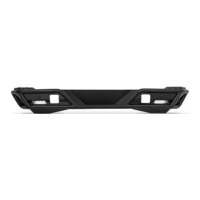
Loosely install the license plate bracket onto
the vehicle utilizing the factory hardware
and 13mm socket. Ensure the wiring will not
be pinched between the bracket and vehicle.
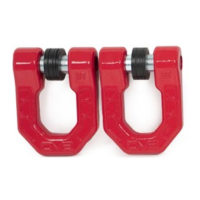
Remove the two factory bolts on the bottom
driver corners of the spare tire carrier using
a 13mm socket.
Note: This is shown with our TCBR-01 backing
plate. This bracket is compatible with and with-
out the TCBR-01 carrier installed.
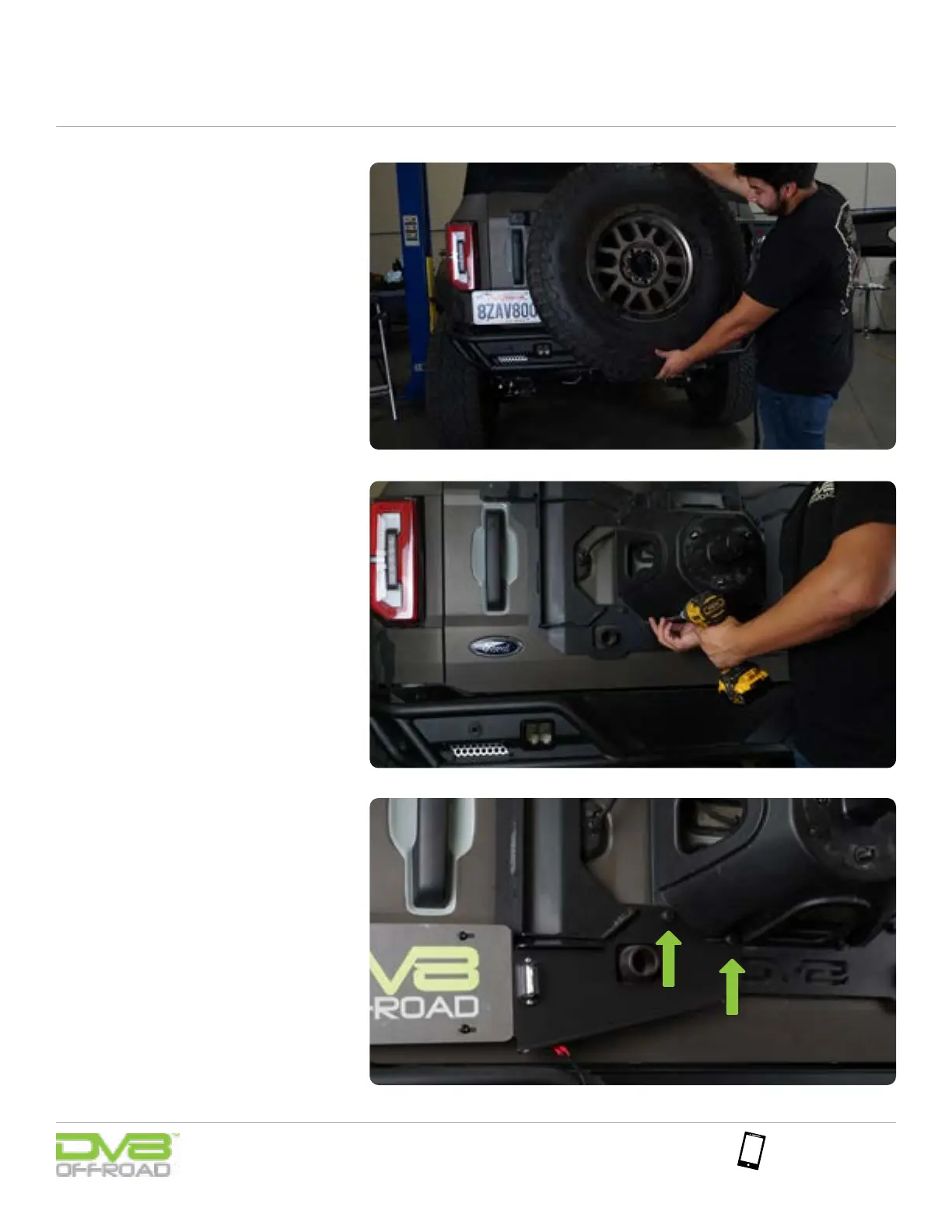
Moving to the Bronco, remove the lug nuts
from the spare tire carrier using a lug nut
tool and remove the spare tire.
Note: Assistance is recommended for removing
the spare tire to prevent injury or damage.
STEP 22
STEP 21
STEP 20


 To Next Page