INSTALLATION MANUAL
855-680-9595
NEED HELP?
STEP 3
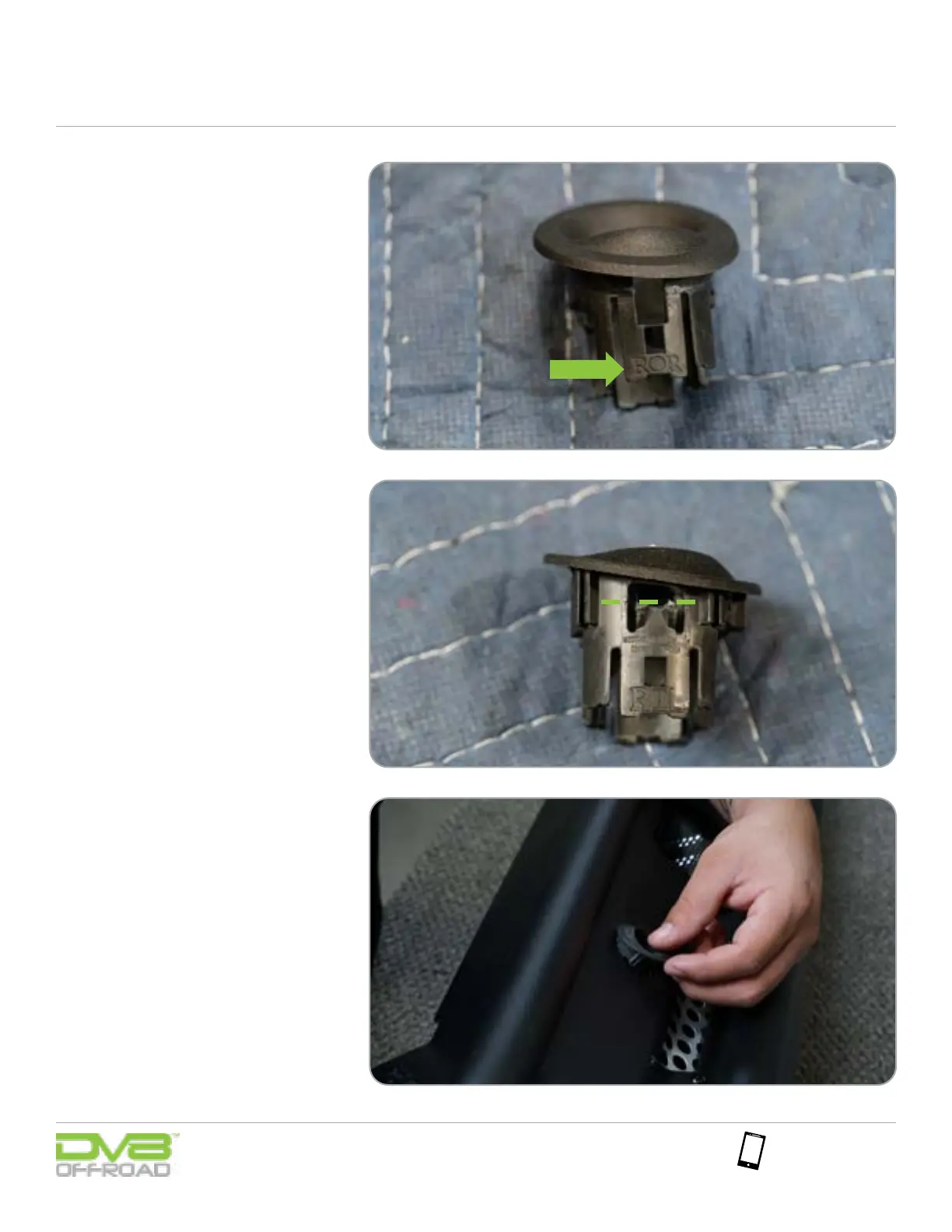
To install the sensor bezels into the
bumper, identify the location of the
bezel by reading the identier on the
bezel. For example, our image shows
“ROR” which stands for rear outer
right.
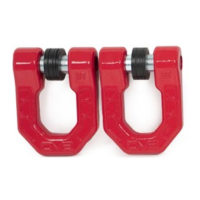
On the two center bezels, you may
need to trim down the tabs on the
side to allow for the thicker material
our bumper uses. Trim slightly and
test t until these tabs sit on the
backside of the bumper and the bezel
sit ush to the face of the bumper.
STEP 4


 To Next Page