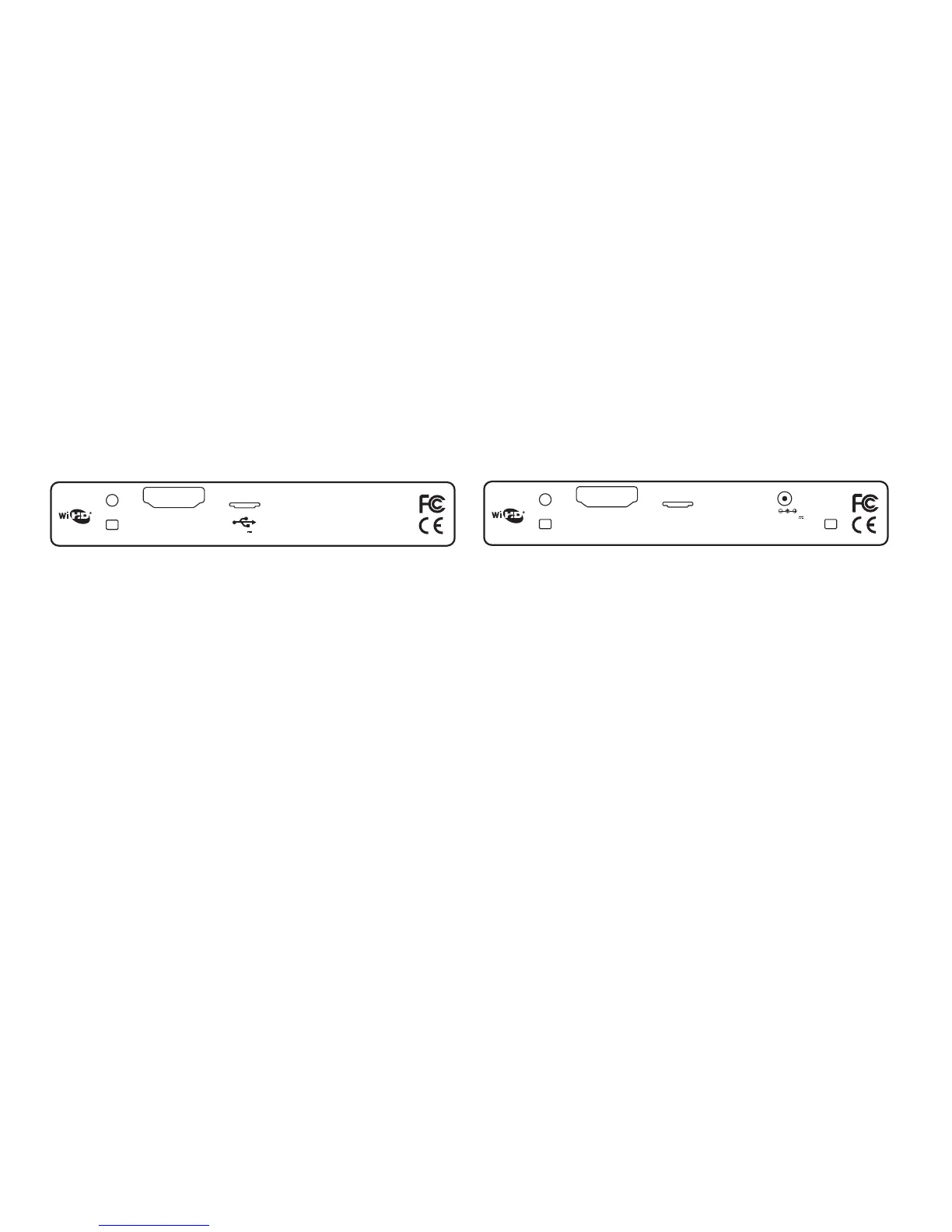
5V DC 3A
HDMI/MHL IN
CONTROL
LINK
MHL
®
DVDO Air
3
TRANSMITTER
SERVICE
Receiver
Link LED:
Fast blink - searching
Slow blink - connected
Solid on - receiving video
Control Button:
~2-3s press - scan for and connect to another transmitter
>5s press (until LED goes off) - reset to factory defaults and connect to first
transmitter found
Transmitter
Link LED:
Fast blink - searching
Slow blink - connected
Solid on - receiving video
Control Button:
~2-3s press - scan for and connect to another receiver
>5s press
(until LED goes off) - reset to factory defaults and connect to first receiver found
MHL LED:
Illuminates blue when an MHL source is detected


 To Next Page