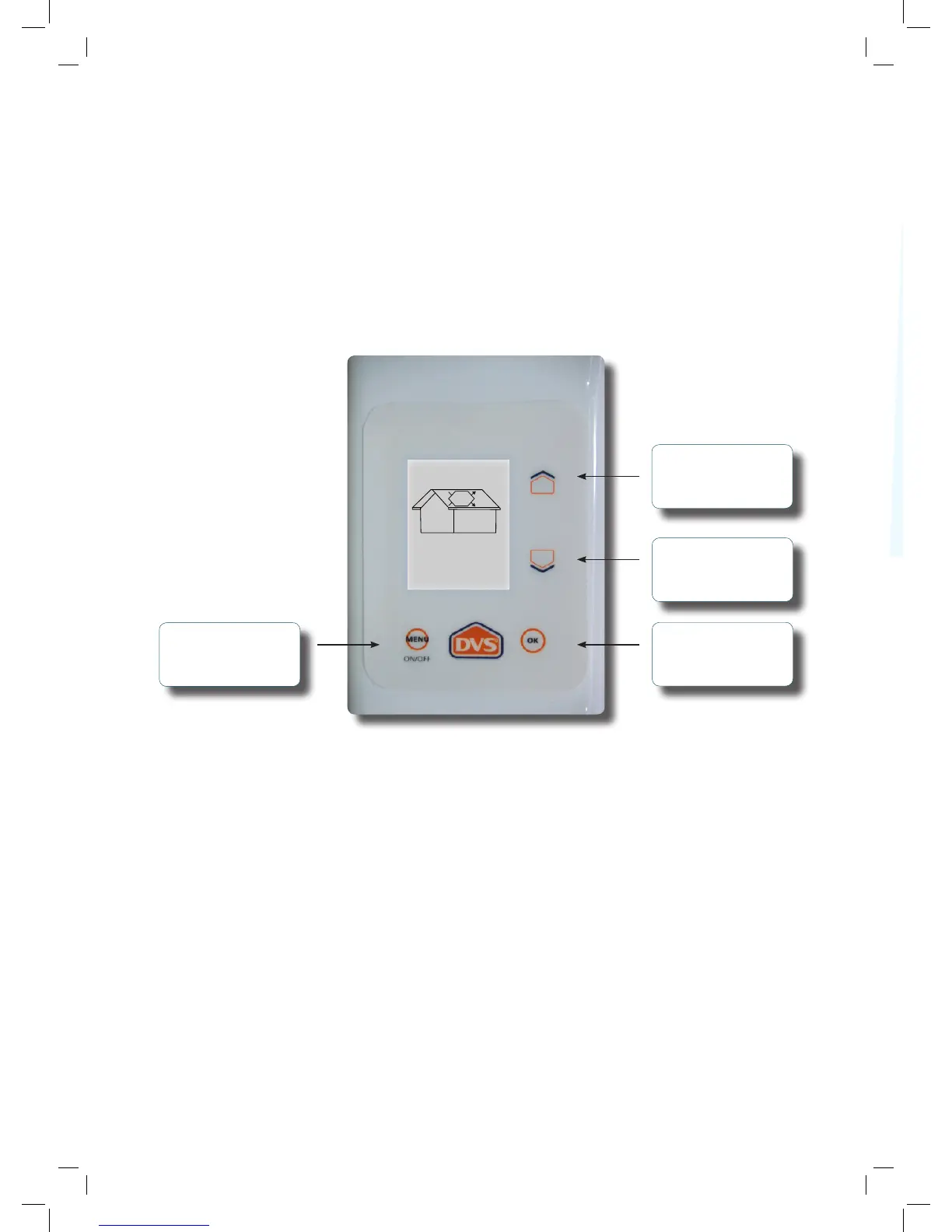
The Main Screen
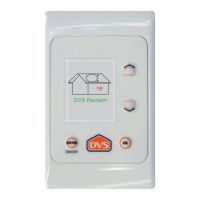
The wall panel normally displays the Main Screen, which shows:
• The current house temperature (in the example below the house is 19
o
C).
Page 3
If they are in use, the Main Screen will also show:
• The status of the Summer bypass function (if tted).
• The status of the roof bypass function (if tted).
• Whether the lter is due for replacement.
Note: If the LCD display appears dim, press any button on the keypad to activate the backlight.
Menu / On / O
button
Up arrow
button
Down arrow
button
OK button
DVS Reclaim
19
o


 To Next Page