3
Connecting Your CardScan Scanner
To connect your CardScan scanner
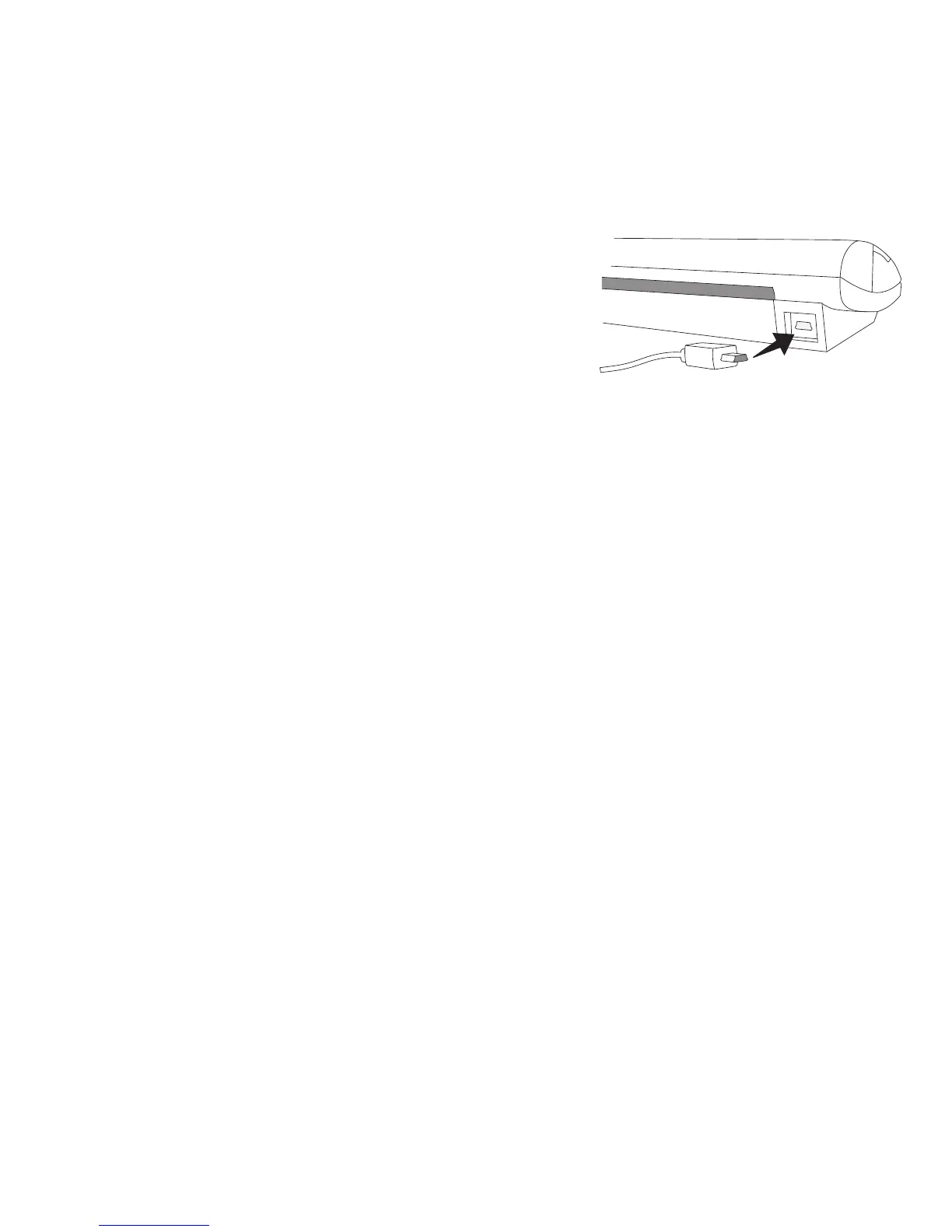
1 Plug the USB cable into the USB port
on the back of the scanner.
2 Connect the other end of the USB
cable into an available USB port on
your computer.
NOTE If the scanner was already connected, unplug the scanner
and then plug the scanner in again.


 To Next Page