10
Centering the Text on the Label
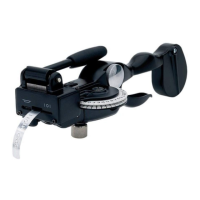
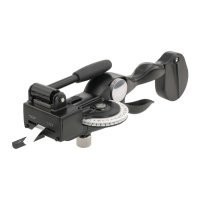
The leader/trailer length guide (N) has positioning marks for a short
(S) or long label (L). Use the marks on the guide to center the text on
your label.
To center the text on a long label
1. After cutting the previous label, emboss the text on a new label.
2. Pull the leader/trailer length guide (N) to the forward position.
3. Advance the tape until the last embossed letter is opposite the L
on the guide. The label has a leader/trailer of approximately 5 cm
(2") and the text is centered.
4. Lift the cutting handle (I) to the vertical position to cut the tape.
To center the text on a short label
1. Retract the tape until the tape edge is at start line (D).
2. Emboss the text on your label.
3. Advance the tape until the last embossed letter is opposite the S
on the guide. The label has a leader/trailer of approximately 3 cm
(1.5") and the text is centered.
4. Lift the cutting handle (I) to the vertical position to cut the tape.
N
I
D









 To Next Page