4
Loading the Label Tape
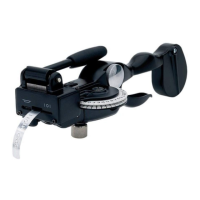
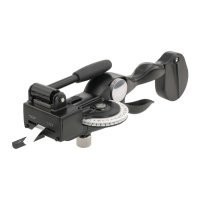
The DYMO M1011 is set to emboss non-adhesive aluminium or
plastic tape.
To load the tape roll
1. Hold the labelmaker in your left hand.
2. Open tape door (A).
3. Insert roll of tape allowing the end to extend about 5 cm (2")
through the tape slot.
4. Close the tape door.
5. Feed the tape between the two rollers (B).
6. Squeeze the embossing handle (F) half-way (one click) several
times to ensure the tape is inserted all the way.









 To Next Page