Printing Labels Using Smart Paste
22
4 Select Smart Paste, and then From File from the Edit menu.
The File Open dialog box appears.
5 Navigate to and open the file you exported as CSV or text.
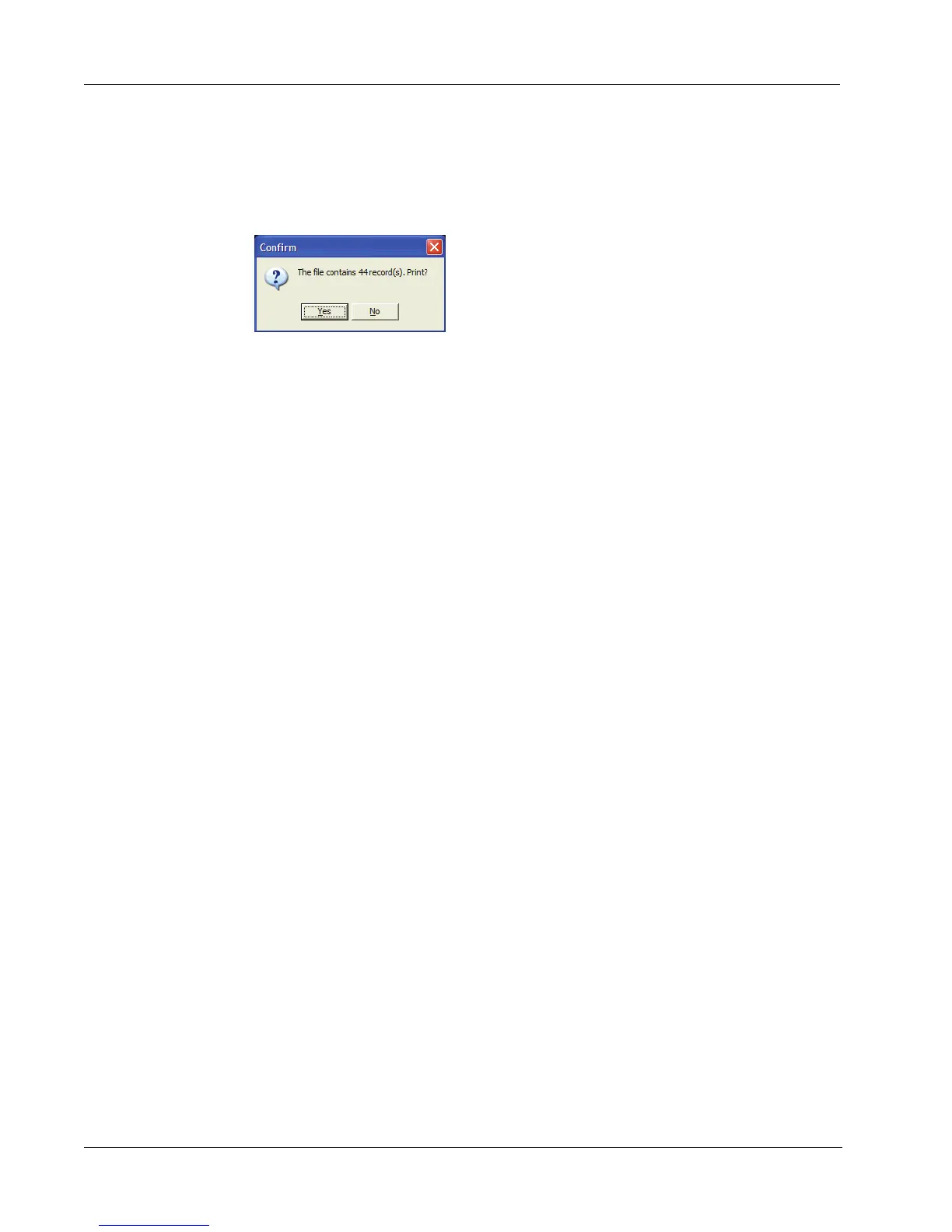
A dialog box appears telling you how many labels will be printed.
6 Click Ye s . The labels begin printing.



 To Next Page