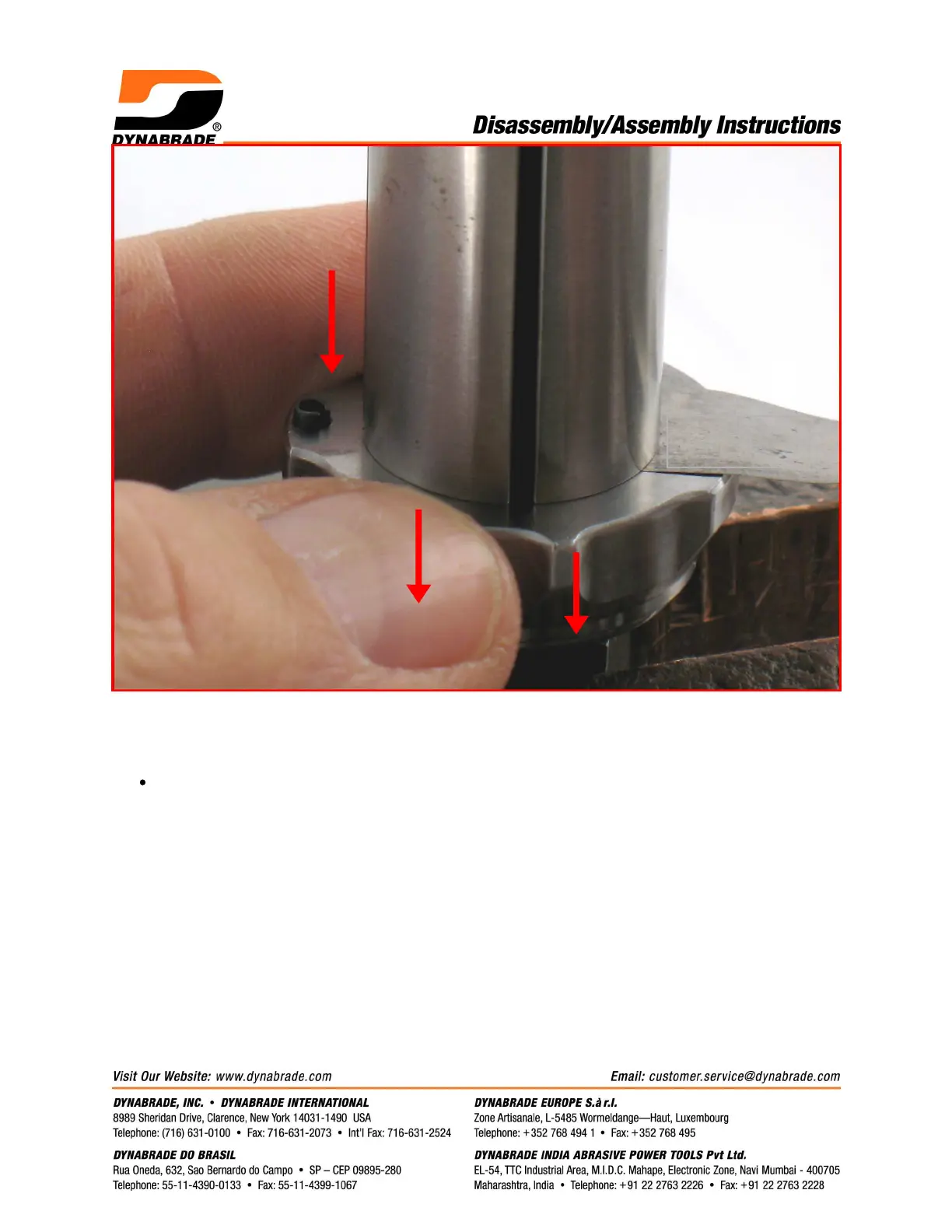
2. By hand, install the 04081 Rotor Nut. Pull the front bearing plate forward to take movement
out of the bearing. Check the clearance between the rotor and plate.
Use a .001" (~0.03 mm) thick feeler gauge. Notice: The clearance should be
.001"-.0015" (~0.03-0.04 mm). If the rotor/plate clearance needs adjustment, repeat
steps 1 and 2. Remove or add shims as required.
.001"-.0015"
(~0.03-0.04 mm)


 To Next Page