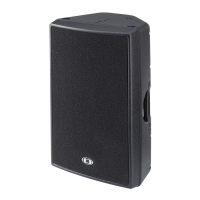
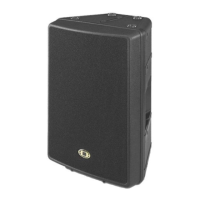
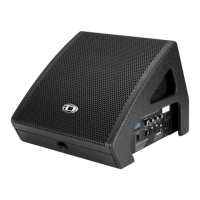
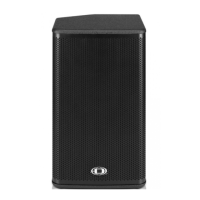
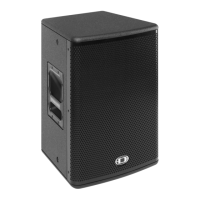
D 11A
7
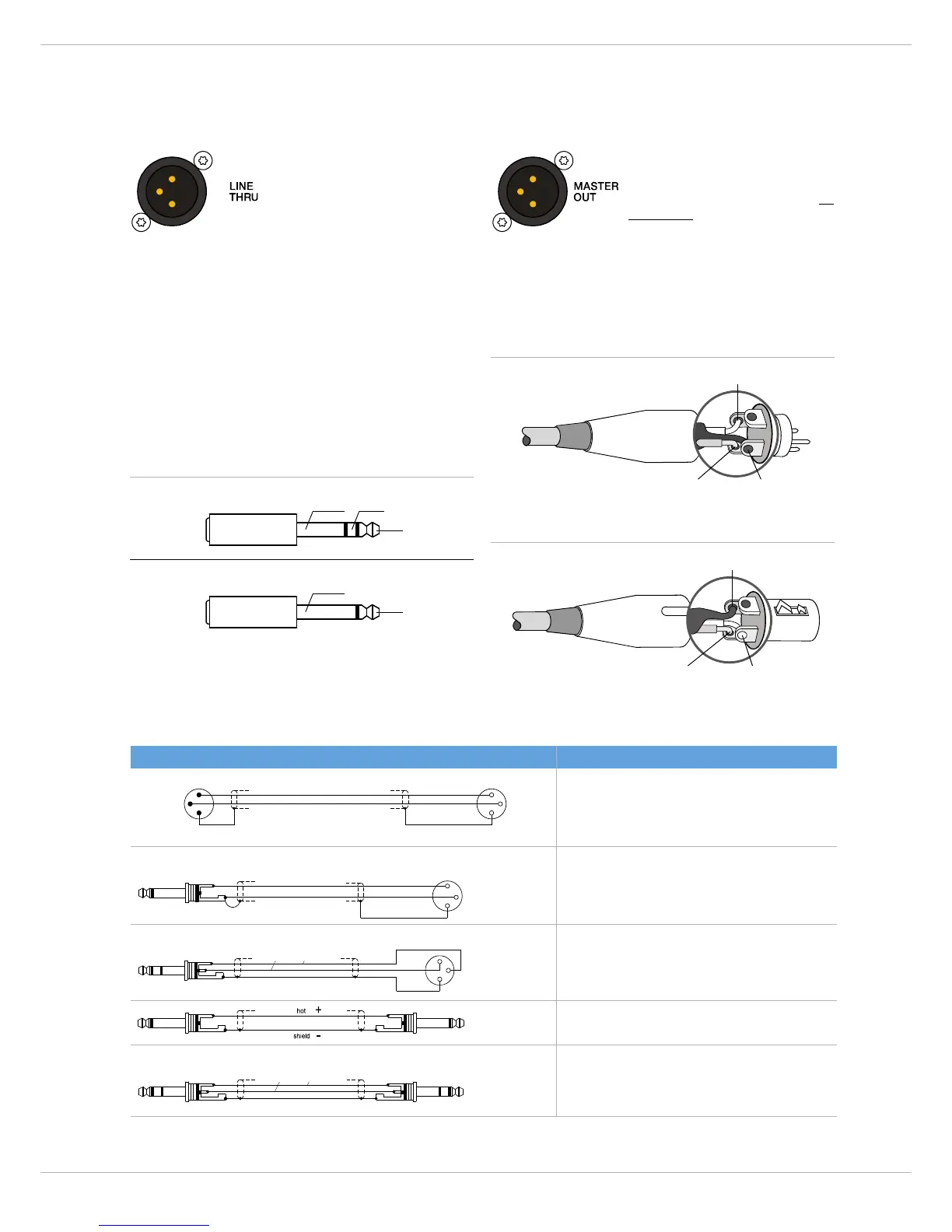
13 OUTPUT CONNECTOR FOR AUDIO SIGNAL (LINE THRU)
This electronically balanced output
provides the carried through audio
signal from the LINE IN connector.
It can be used to feed additional
external equipment (e.g. an addi-
tional D 11A) with the identical in-
put signal.
14 O
UTPUT CONNECTOR (MASTER OUT)
The output connector provides the
Master Signal (Line+Mic+Aux) for
”carrying through“ the input signal.
The level of the output signal is in-
dependent of the setting of the
Master level control (”Pre Fader”).
2.2 Cabling
For connecting audio signal sources to the D 11A, we rec-
ommend using cable with balanced XLR-type or stereo
phone plug connectors. Using balanced cable reduces the
risk of sound degradation resulting from interference.
However, make sure to mind the pin-assignment as shown
below. Original DYNACORD cable from our accessory pro-
gram will always comply with this pin-assignment.
Illustration 2-1: Balanced and unbalanced phone plug
Cable Application
balanced connection of microphones
unbalanced external equipment with XLR-type in/output jacks
balanced external equipment with XLR-type in/output jacks
unbalanced external equipment with phone jack in/output jacks
balanced external equipment with phone jack in/output jacks



 To Next Page