3
Attaching to Speaker
There are 2 options to attaching the speaker to the bracket;
1. The first and recommended if possible, is to use a Phillips head screw to thread directly into the back of the speaker. Use the #10
washer if it fits on the screw.
2. The Second is to use the #6 screw in the TearDrop Slot. Thread the #6 screw into the #6 Flange Nut a little ways and then hang
the speaker on it. Use the Hex Key supplied to attach the speaker to the bracket (turn the screw counterclockwise to tighten).
Double check that the connection is solid.
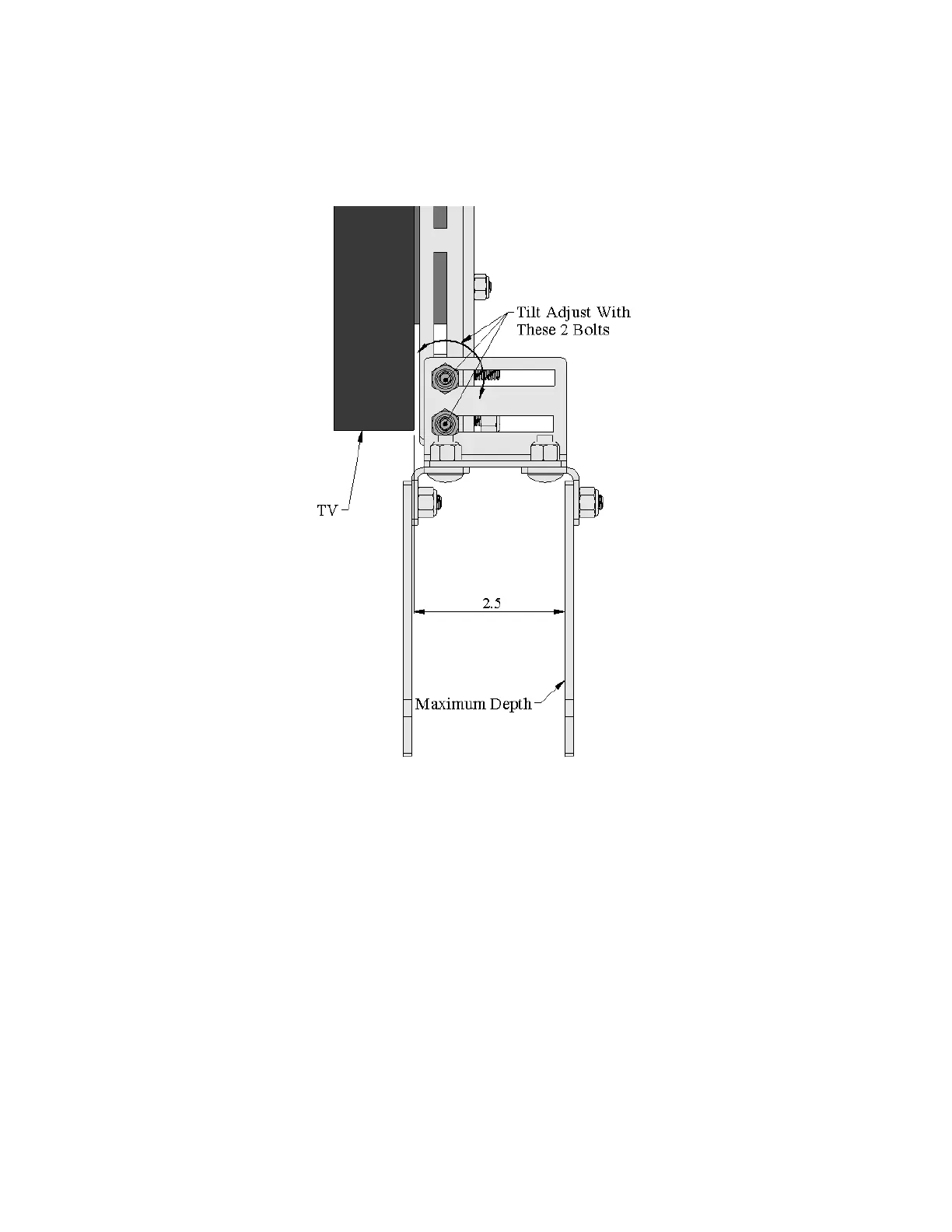
Figure 2 Depth Adjustment
Rubber Bumpers
The mount comes with adhesive backed rubber bumpers that you can use to put between the TV and speaker.
Using the Speaker to move the TV
When the speaker is below the TV, the handle does not work. You can use the speaker to move the TV though. To be able to lift
the TV mount by grabbing the speaker, the top of the speaker needs to be butted against the bottom of the TV. Especially when
using the Tear Drop Slot to prevent the speaker from sliding off the #6 screw.



 To Next Page