www.dynavin.de 4
DVN 6901 Pro V Operating instructions
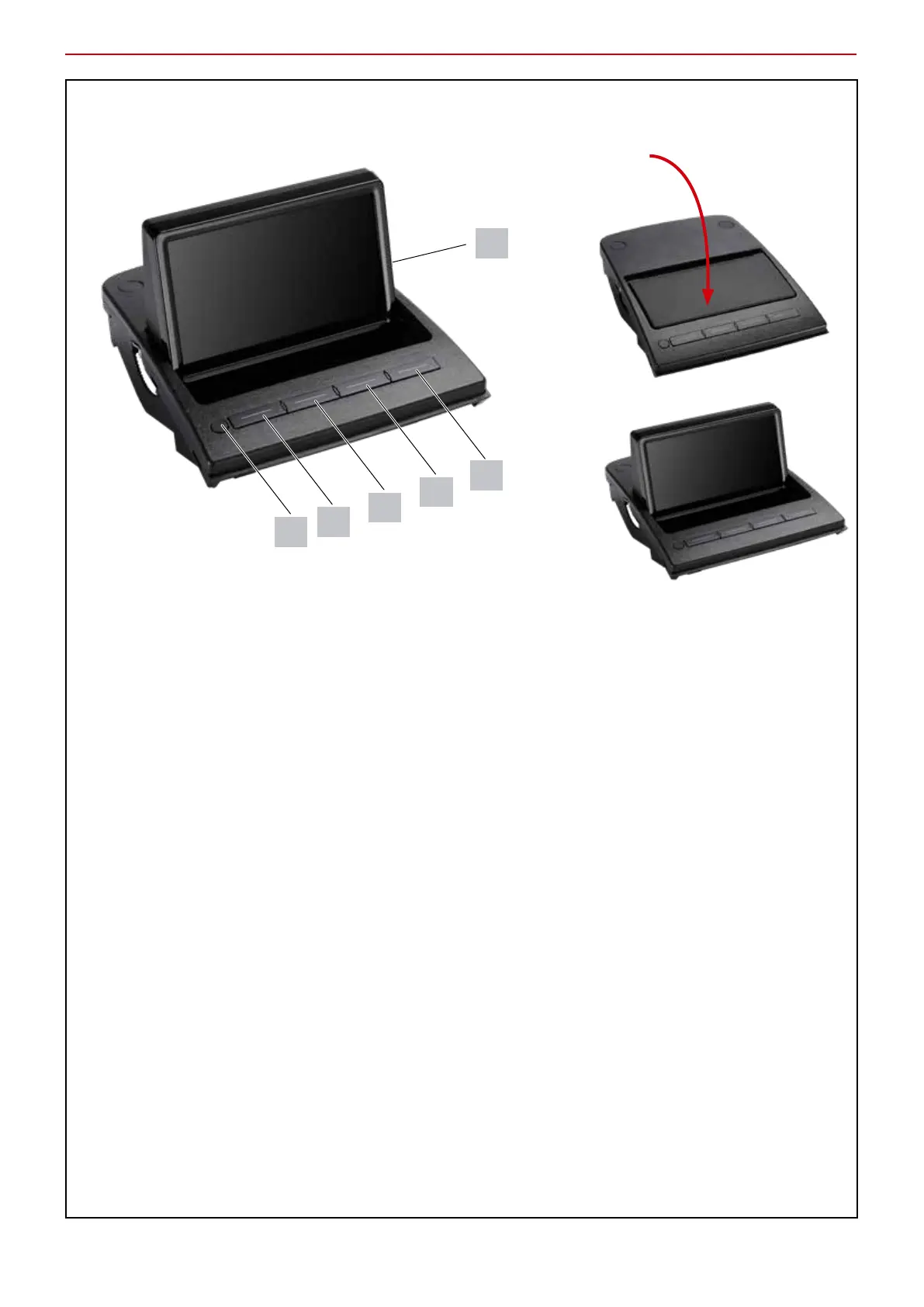
Key assignment
Press lightly to open
1 Calling up the menu / Exiting the menu
2 In the menu: navigate to the left
Outside the menu: Forward front camera view to external display
3 In the menu: navigate upwards
4 Navigate down in the menu
5 In the menu: Check / uncheck / open submenu / navigate to the right
Outside the menu: Switches between top view and front view
6 Micro SD slot for firmware updates
2
3
4
5
1
6


 To Next Page