www.dynavin.de 9
DVN 6901 Pro V Operating instructions
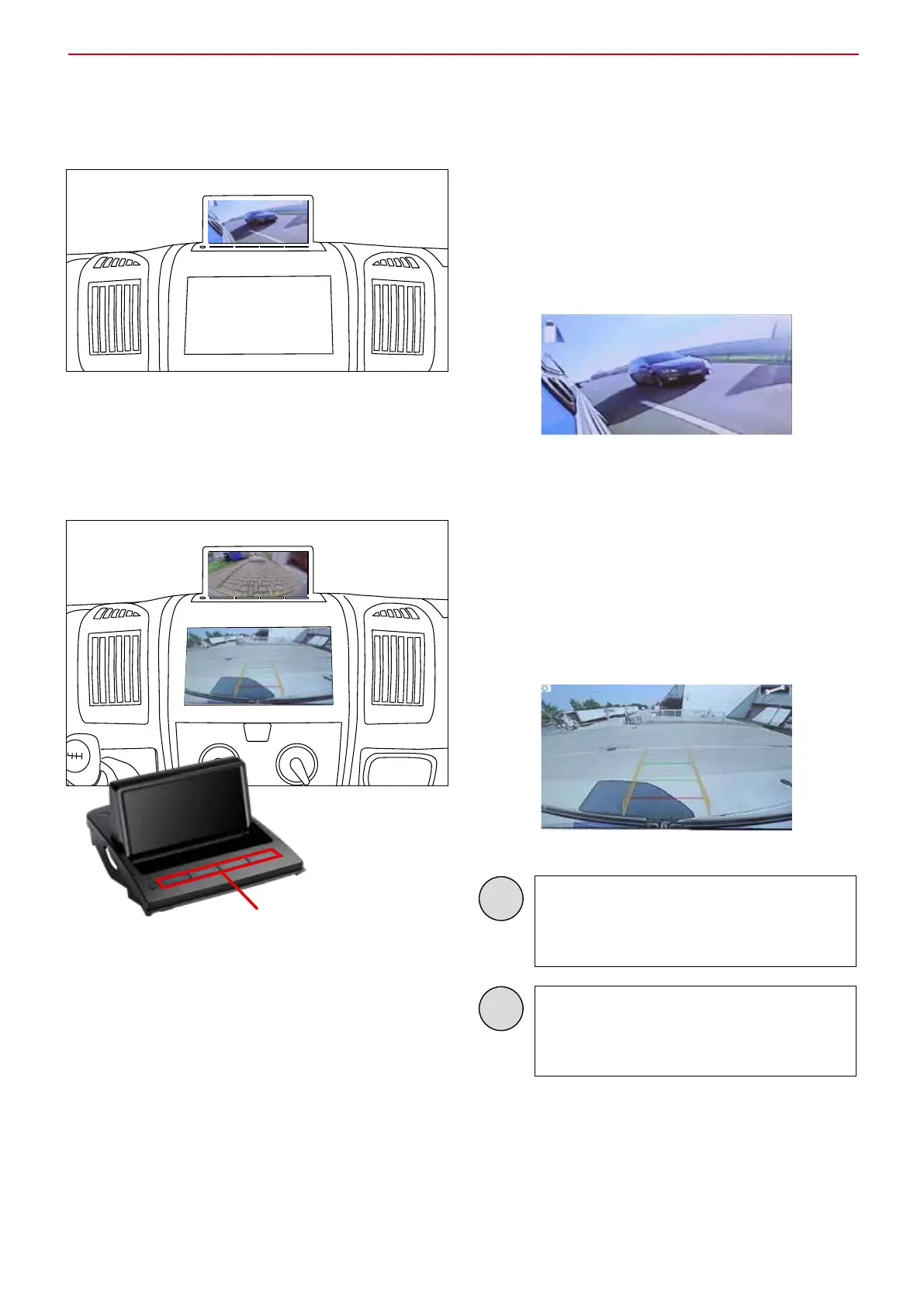
Blind Spot view
When the indicator is set, the side camera is activated.
The display shows what is in the blind spot.
Reversing view
If you have connected a reversing camera to the monitor, the
reversing view is shown on the monitor or on the navigation
display when reverse gear is engaged.
You can set this in the menu (menu item 1).
You can set the parking lines
with these buttons
Note
The mirror view depends on the rear view
camera installed.
Here you see an example with Dynavision
Pro or Comfort camera.
Note
If you have connected a Dynavision Pro
or Comfort camera to the display, you can
adjust the parking lines.


 To Next Page