6
Installing the adapter
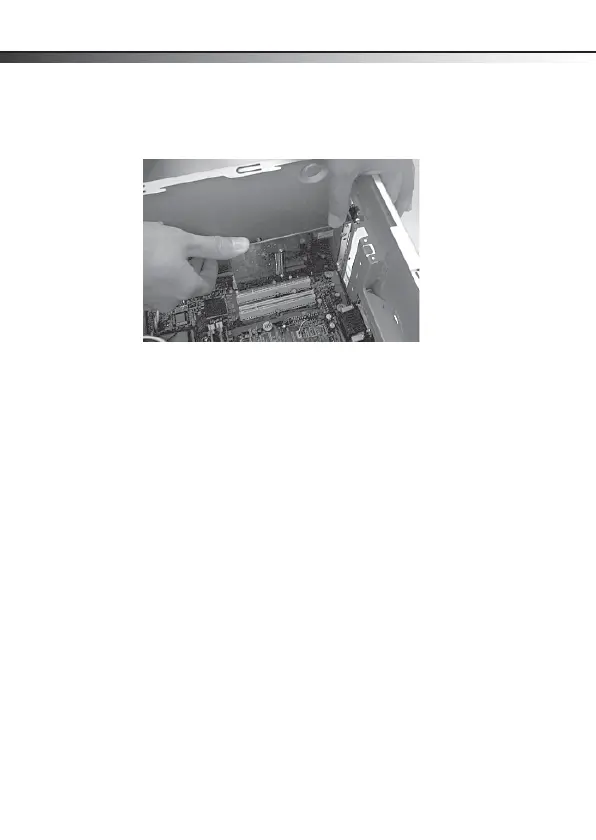
6 Carefully insert the adapter into the PCI slot. Do not touch
the metal connector on the adapter.
7 Secure the adapter to the case using the screw you
removed from the backplate.
8 Reinstall your computer’s case cover.
9 Plug in the power cord and other cables, then turn on your
computer.
DX-PCIGB English.fm Page 6 Thursday, September 24, 2009 9:07 AM



 To Next Page