USING THE APPLIANCE
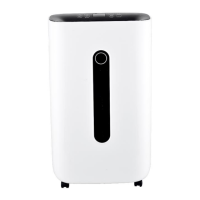
1. To start to use your dehumidifier, first, put the dehumidifier on the flat place,
connect the AC input plug to the appropriate main socket.
2. Switch the ON/OFF button (at the back of the dehumidifier) to “ON” position, the
dehumidifier will begin to operate. The display will show the “Temperature”
“Humidity” circularly. The side UV lamp will turn on. The dehumidifier start the air
purify function .
3. Switch the ON/OFF button to “OFF” position, the dehumidifier will be turned off.
4. Any other function can be set by remote control.
The dehumidifer’s water tank should be empty before using the dehumidifier. Or the
“red” tank full led will be turned on, and the dehumidifier can not work.
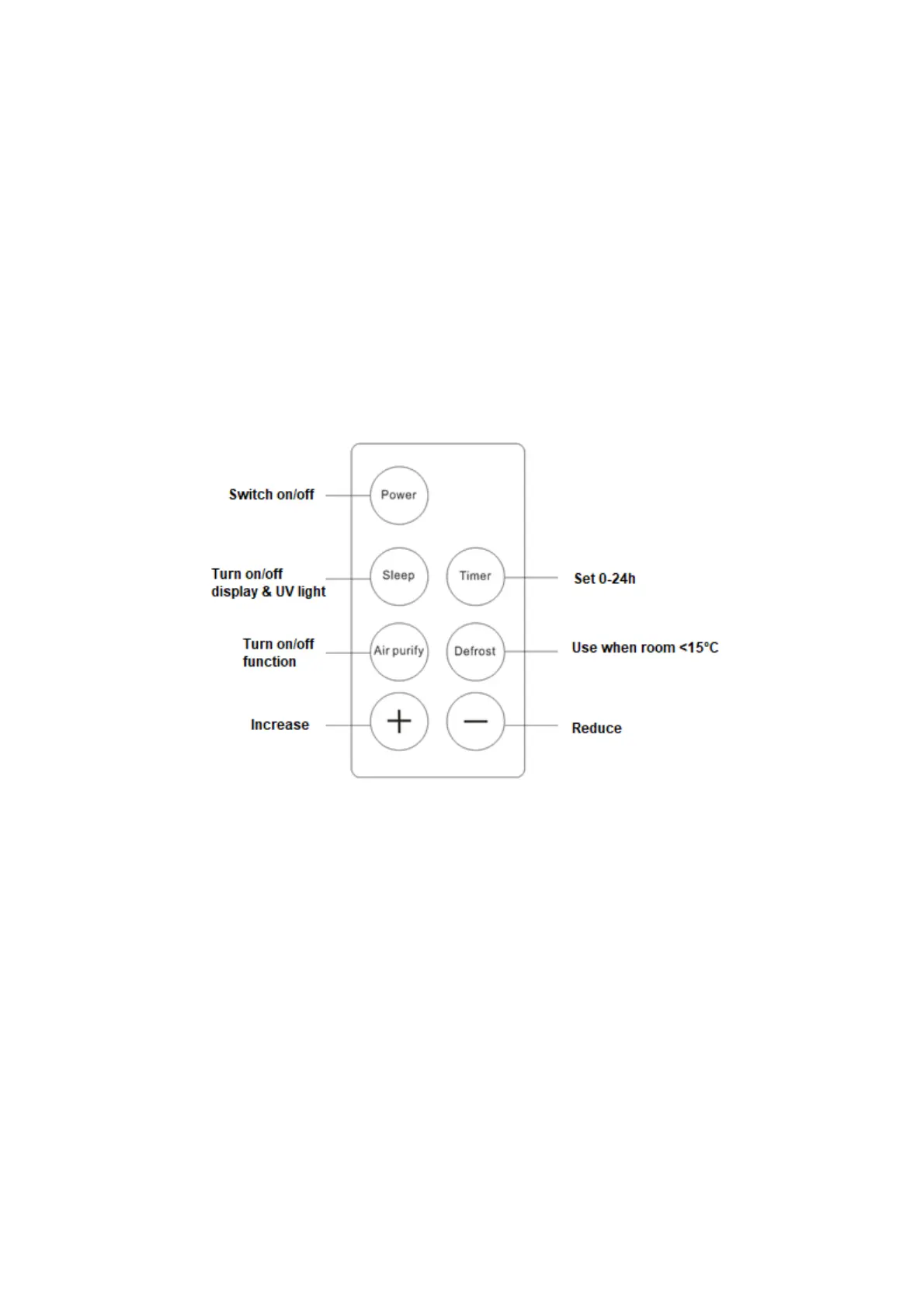
1. Press the “Power” button, the dehumidifier will be turned on or turned off.
2. Press the “Sleep” button, the dehumidifier’s display and the side UV lamp will be
turned on or turned off.
3. Press the “Air purify” button, the dehumidifier ‘s air purify function ( side UV lamp)
will be turned on or turned off.
4. Press the “Timer ” button, then press “+” or “-”, the user can set the time from 1
hour to 24 hours, when time over, the dehumidifier will stop working automatically.
5. The display window will showing “temperature” “humidity” “Timer (if set)” circularly.
6. When the environment temperature is lower than 15 ℃, please press the “defrost”
button, it will help the dehumidifier working better. At low temperature the appliance
operation is not effective.
7. Press the “+” or “-” button directly ( don’t press “timer” button), the user can set
the humidity level from 40% to 70% for dehumidifier, when the environment reach
the relative humidity, the dehumidifier will stop work automatically.



 To Next Page