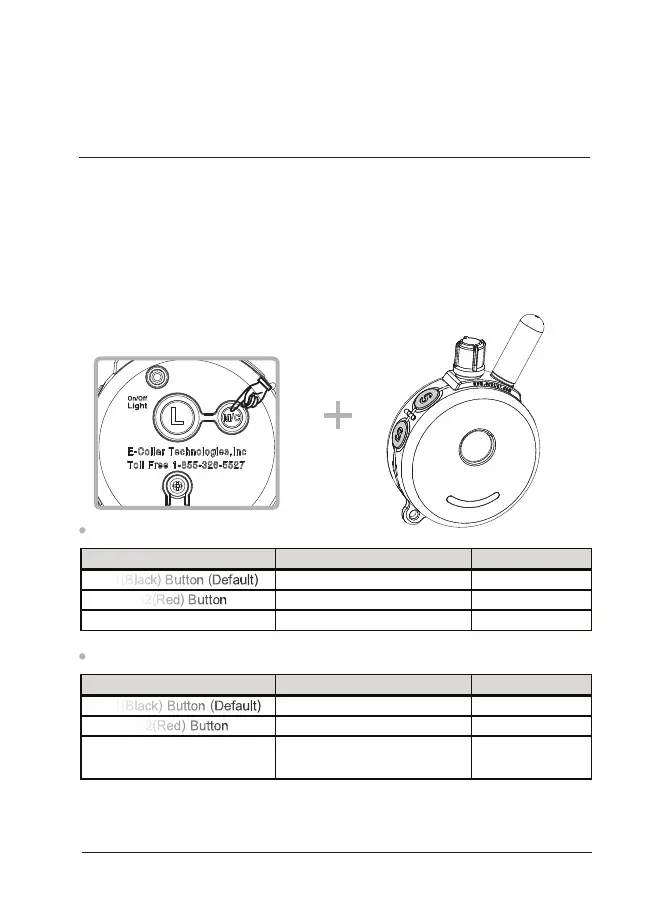
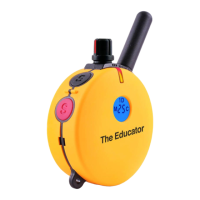
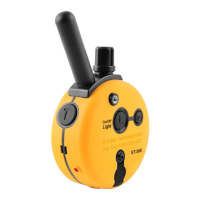
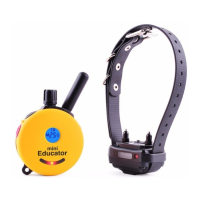
The Finger Trainer can be set to control any one of the 3 Buttons of
the Transmitter, S1(Black) S2(Red) and T Button.
- How to set the Finger Trainer to control different Transmitter buttons.
Simply push the desired Transmitter Button simultaneously with
the M/C button.
NOTE: The Finger Trainer controls the physical button, not the
function of the button. The Transmitter controls the function.
One Dog Mode (1D)
M/C Button + T Button
M/C Button + S2(Red) Button
M/C Button + S1(Black) Button
T Button (Tone or Vibration)
S2(Red) Button
S1(Black) Button (Default)
How To SetFinger Trainer Control Button
Vibration or Tone
C, M+ or C+
M or C
Possible Functions
Two Dog Mode (2D)
M/C-Button + T-Button
M/C-Button + S(Red)-Button
M/C-Button + S(Black)-Button
T Button
(Toggle Stimulation to Tone/Vib)
S2(Red) Button
S1(Black) Button (Default)
How To SetFinger Trainer Control Button
Stimulation Mode
select
2Dog - M, C, V or T
1Dog - M, C, V or T
Possible Functions
CHANGING THE BUTTON THE FINGER TRAINER
CONTROLS ON THE TRANSMITTER
27
FT-330/332 Owner’s Manual



 To Next Page