INTRO - CONNECTION INSTRUCTIONS
11
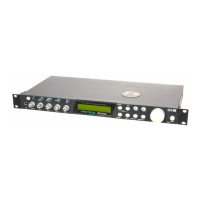
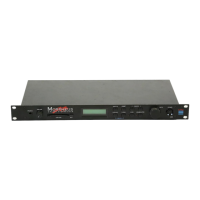
MIDI In - Proteus FX is controlled by
MIDI messages received at the MIDI In
connector. Connect the MIDI In of the
Proteus FX to the MIDI Out connector of
a MIDI controller such as a MIDI key-
board, MIDI wind controller, or MIDI
guitar controller.
Outputs - Proteus FX is a high quality,
stereo audio device. In order to reproduce
its wide dynamic range and frequency
Basic Setup
response, use a high quality amplification
and speaker system such as a recording
mixer and amplifier or home stereo
system. A stereo setup is highly desirable
because of the added realism of stereo-
phonic sound. Headphones can be used if
an amplifier and speaker system are not
available. The right output jack serves as
a mono output when the left jack is not
plugged in.


 To Next Page