9
Copy function for backup video (4-32 GB internal memory) (Optional)
Video clips can be copied between external and internal storage, then you will have backup after you
hand over card to police or the court.
First you should choose the card (see Menu item ‘Choose Card’ to select), then
1. Long press "Down" button and into Movie reviewing
2. Then long press "up" button you can copy video to another card
Updating the Firmware
Download the new firmware (and unzip the file if necessary)
Updating Instructions (Note: The MicroSD card must have been formatted in the recorder):
1. With the recorder powered off, remove the MicroSD card and plug it into the SD adaptor on the
computer
2. Copy the ‘bin.’ file to the root directory of the card. Note: You may need to rename the firmware file
to ‘firmware’ (so it reads ‘firmware.bin’).
3. With the recorder powered off, reinsert the card
4. Power up the recorder and it should prompt to update automatically (yes/no)
5. After the firmware update is completed be sure to delete the file from the card or you will be
prompted to update again
Appendix
Specification
Display 1.5"TFT
Still images
Format: JPEG, Quality: Auto
Videos Format: H.264 (MOV).
Resolution: 2304 x 1296P 30fps (@ approx 140 Mb per minute),
1920 x 1080P 30fps (@ approx 100 Mb per minute),
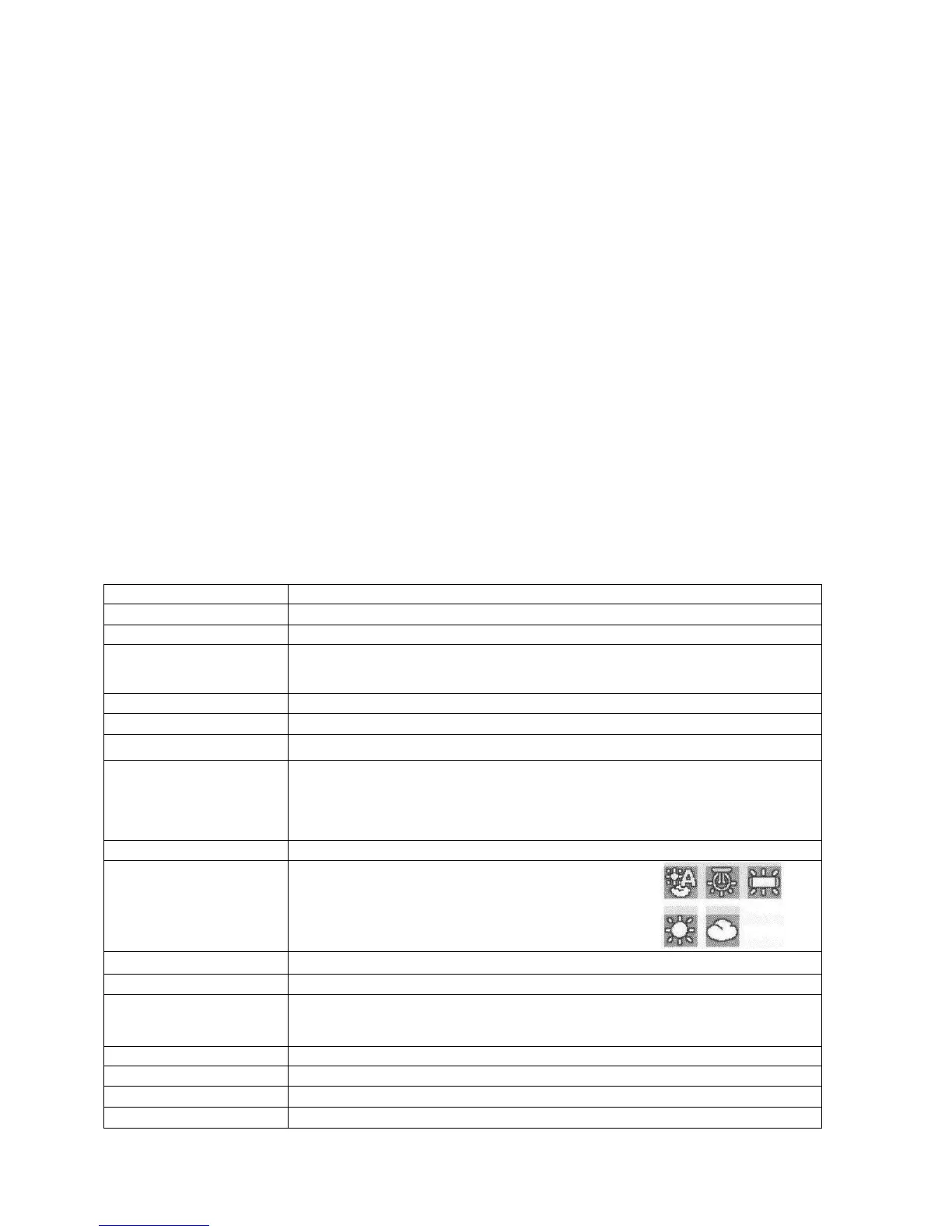
White Balance
Auto, Tungsten, Fluorescent, Sunny, Cloudy


 To Next Page