12
3. Display Factory Setting
To access the menu P0 and P1 please press at the same time the switch and
setting buttons. Pressing the setting button helps you switch between P0 and
P1.
Both menus have other two submenus : 0 and 1, as follows:
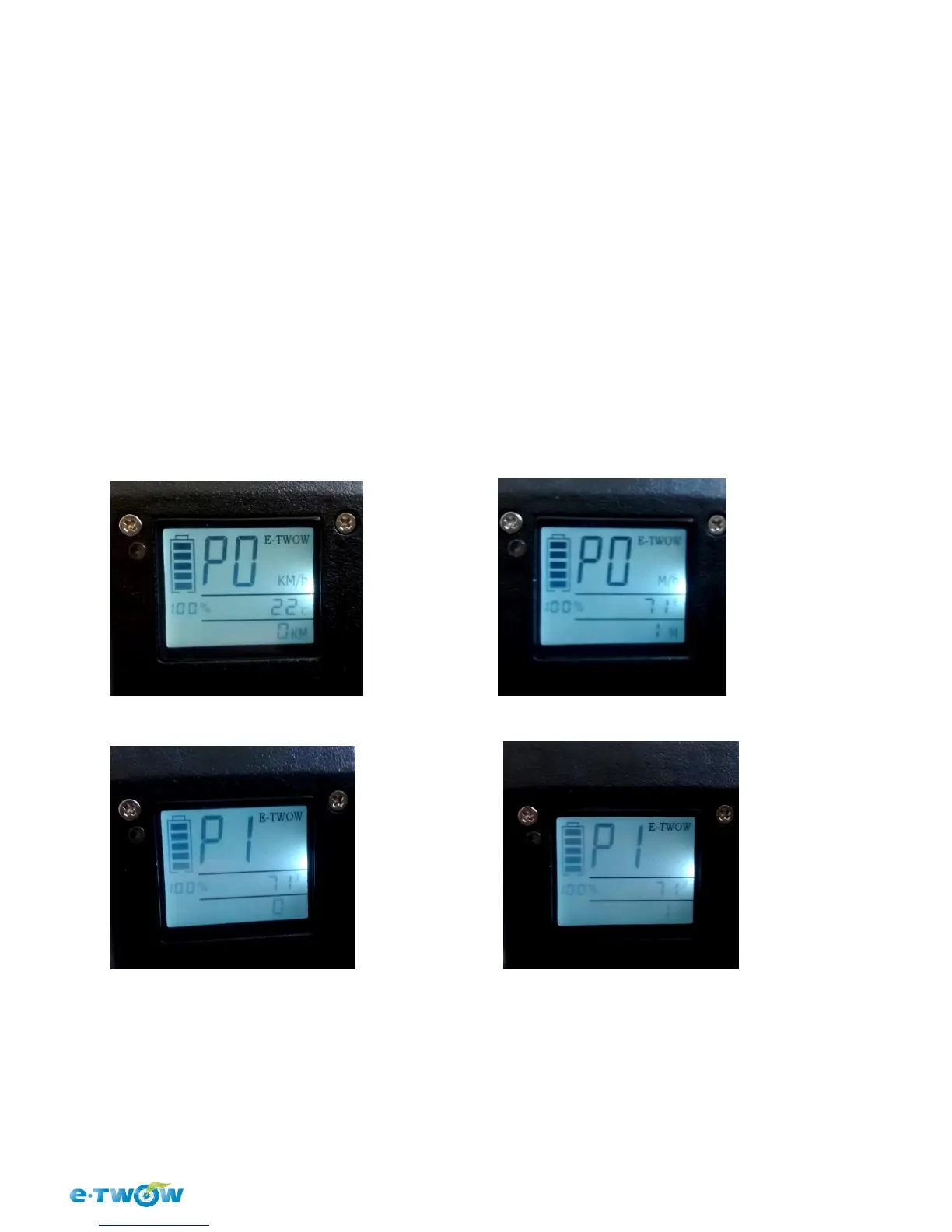
P00 (a) - displays the speed in km/h and temperature in Celsius degrees
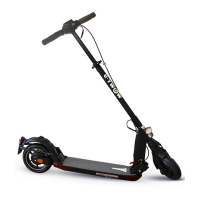
P01 (b) – displays the speed in mile/h and the temperature in Farenheit degrees
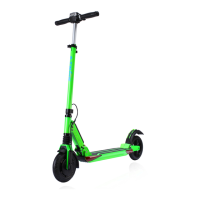
P10 (c) – lights are set on manual mode
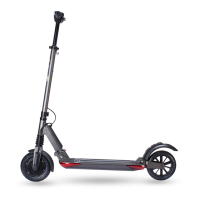
P11(d) – lights are set on auto mode
You can switch between menus 0 and 1 in P0 or P1 by pressing the on/off
button.
When you press the setting button (S) at last and the settings will be finished.
a) b)
c) d)


 To Next Page