13
EN
Some E-TWOW scooters are also equipped with a rear drum brake. The drum brake
is activated by pressing the drum brake lever found on the right side of the handlebar.
The harder you press, the stronger the braking force will be. If you need to make an
emergency brake, use both the electromagnetic brake and the rear drum brake.
WARNING!
Do not touch the brakes after a prolonged or severe use. The brake surface can over-
heat after prolonged use and coming in contact with it can cause burns.
Horn
If you turn on the power, the scooter will emit a warning sound when you press on
the horn button.
Lights
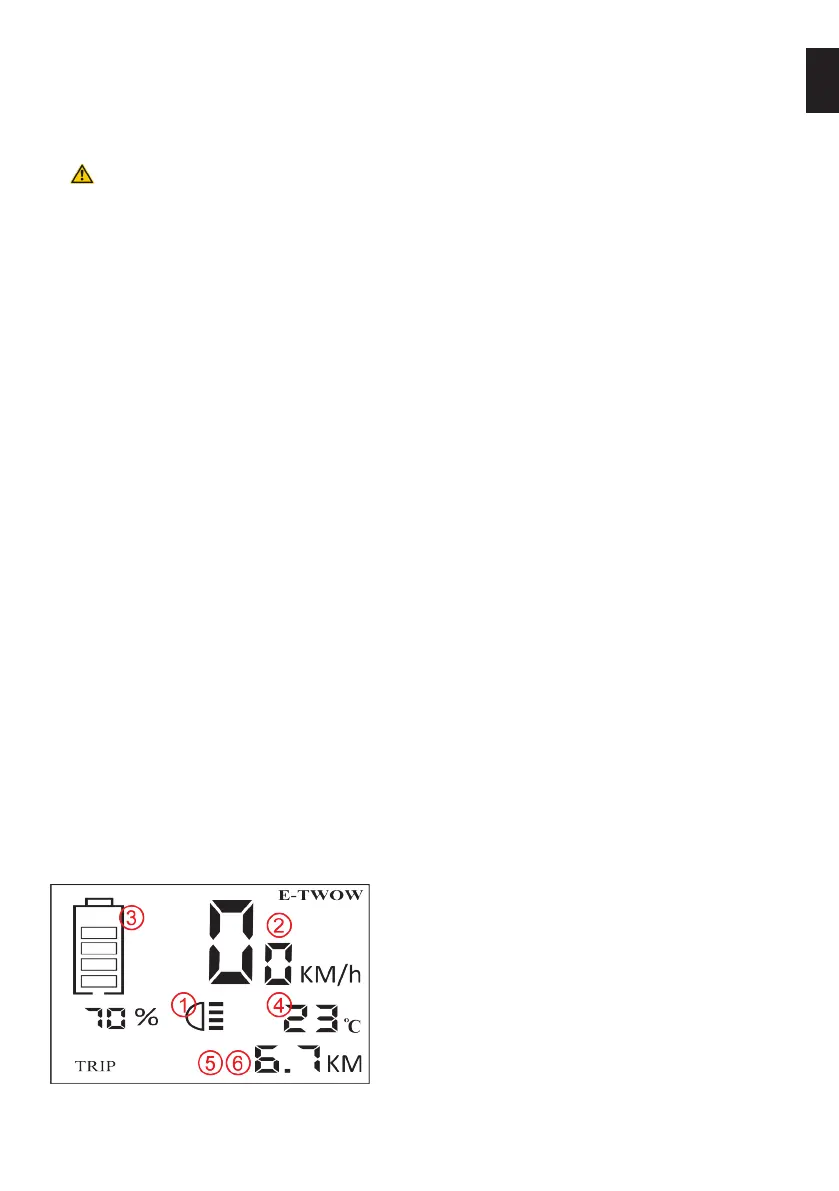
Press the On/O light button when necessary. The display will show a symbol (see
headlight icon in the following gure) that indicates that the lights are on (both the
LED headlight and the rear stop light). Press again when you no longer need the
lights to turn them o. If the lights are o, the rear stop light will only turn on when
using the electromagnetic brake.
Displaying the mileage
When the display is powered, it shows 2 modes: ODO and TRIP. ODO displays the
total mileage, whereas TRIP displays the mileage of the current trip, from the last
reset. You can switch between the 2 modes by pressing the (S) button. When you
are in TRIP mode, you can clear the current trip mileage by pressing the (S) button
for 3 seconds.
Parking
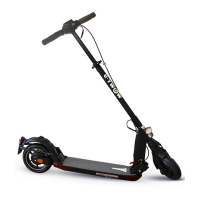
The scooters have a semi-folded position which can be used when parking. They are
also equipped with a kickstand. Both parking options shall be engaged only when the
vehicle is not in use.
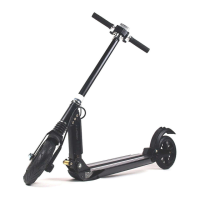
To park the scooters in semi-folded position, press the folding lever and gently push
the handlebar until it is tilted halfway down. You will feel a slight resistance when the
handlebar reaches parking position.
The kickstand is found on the left side of the scooter. Use your foot to pull it down in
position and allow the scooter to rest on it.
Displaying and setting the scooter features
1. Headlight icon
2. Speed
3. Battery
4. Temperature
5. Displays the total mileage or cur-
rent trip distance
6. Trip total (ODO) or total mileage
from last trip (TRIP)


 To Next Page