14
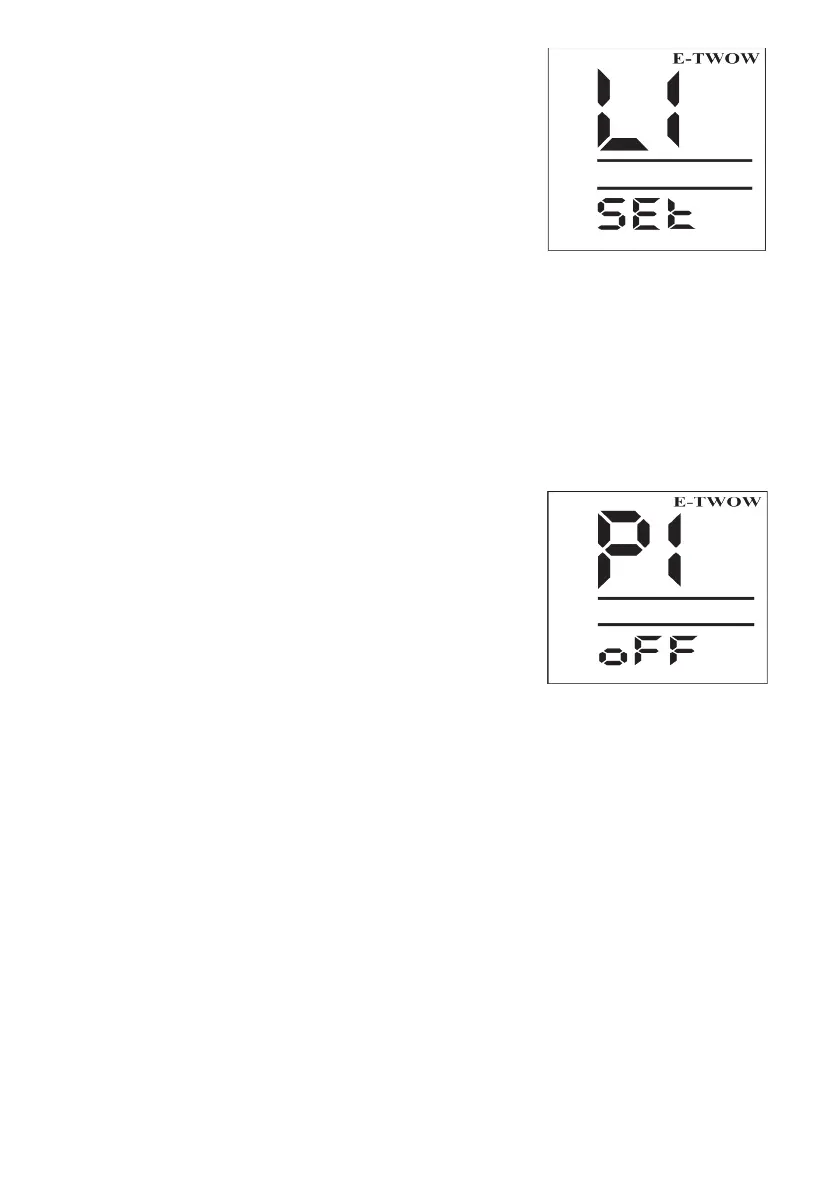
Menu for speed limit
To set up a speed limit, please follow the
steps detailed below:
• Turn o the scooter
• Press and hold the electromag-
netic brake lever with your left thumb.
Keep it pressed during the entire op-
eration
• Turn on the scooter. The dis-
play will show the L1 option.
• To set the desired speed lim-
it, press the light button successively to
navigate the L1-L2 -L3 -L4 options
• To set your desired option,
press the (S) button
• To end this operation, release
the electromagnetic brake and turn on
the scooter.
L1 = Limits the speed at 6 km/h
L2 = Limits the speed at 15/20 km/h
L3 = Limits the speed at 25 km/h
L4 = Removes all speed limits
*Speed limitations may vary for each
scooter model
*Certain speed limit options may not
be available if the scooter has a facto-
ry speed limit to comply with a country’s
legislation.
Setting the Zero Start function
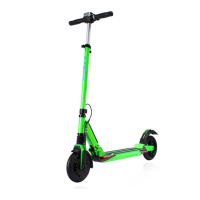
The Zero Start - P1 function - The purpose of this
function is to make the scooter safer to use. Once you
activate it, this function will only allow the scooter to be
accelerated after it has been previously pushed with
the foot and the wheel has been set into motion.
This will prevent the user from accidental acceleration.
The Zero Start function is not automatically set; it needs to be activated manually
from the central control unit.


 To Next Page