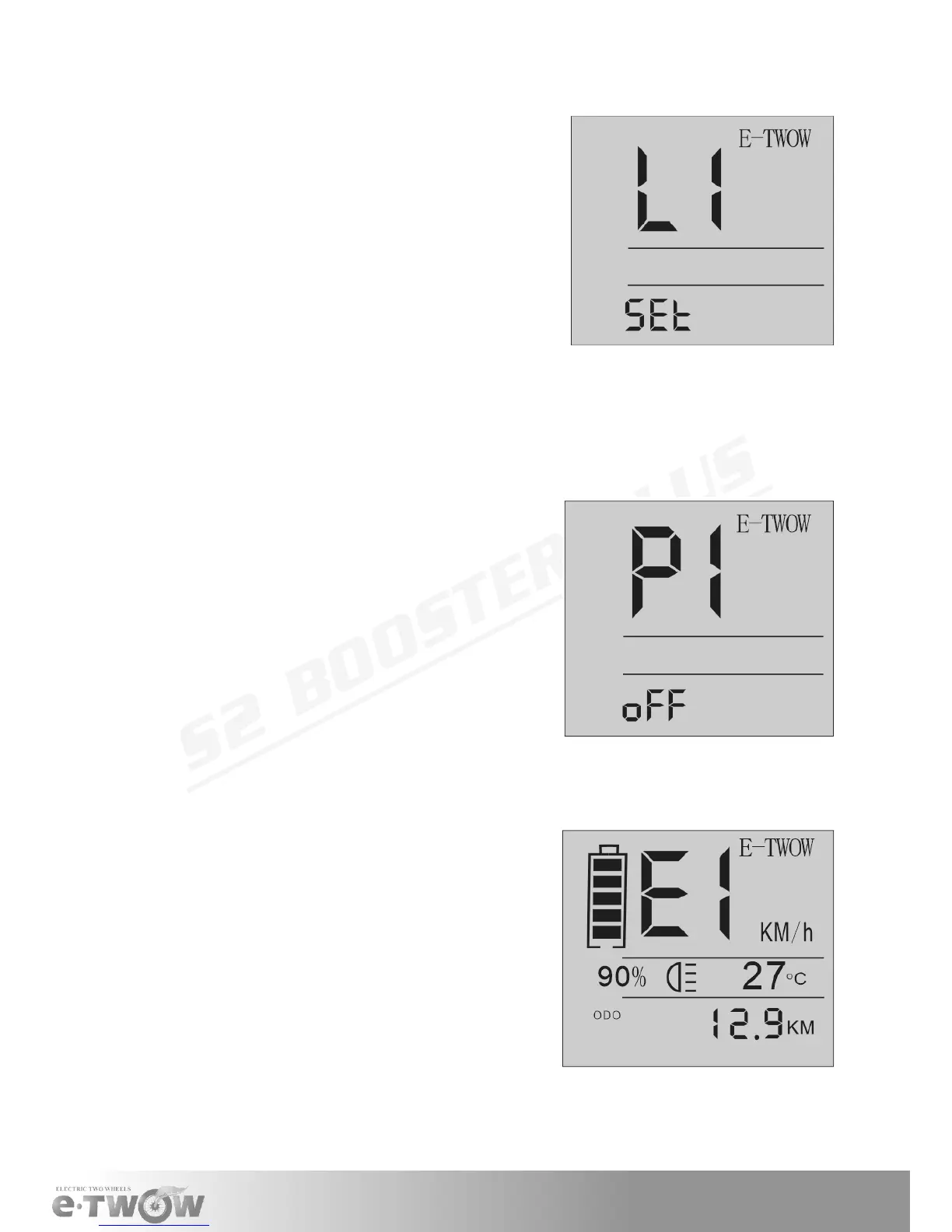
MENU for SPEED LIMIT
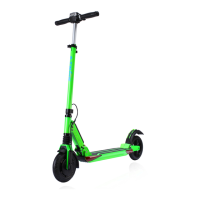
MENU for FUNCTION
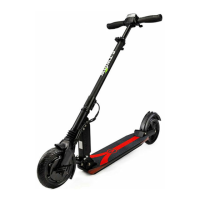
ERROR CODE
L1= Limit the speed to 6km/h
L2= Limit the speed to 12km/h
L3= Limit the speed to 20km/h
L4= Limit the speed to 25km/h
L5= Limit the speed to 30km/h
p1 = zero Start [ON/OFF]
p2 = Cruise Control [ON/OFF]
p3 = Regenerative Brake [ON/OFF]
E1
Overcurrent protection (Motor does not move
more than 4 seconds)- this error clears after
release the acceleration throttle. If not clear,
send to service.
E2
Communication error (No communication for
more than 400ms) - this error clear when
starting the communication. If not clear, send
to service.
E3
• Overvoltage error (Battery voltage high-
er). Put back original battery, other hard-
ware problem.
• Black-Screen. Exposure under the sun
for too long. Place it in shadow and it will
return to normal after a period of time. If
not clear, send to service.
1. To set up speed limit
• Turn o display
• Press and hold thumb brake
• Power the display
• The display will show “L1”
2. Move to menu with button [LIGHT] L1-L2-L3-L4-L5
• To set up a new speed limit, press button[SET]
• To nish the settings, release thumb brake
1. To set up one of this program:
• Turn on display
• Press and hold thumb brake
• Press the button [POWER]
• The display will show:P1
2. Move to menu with button [LIGHT] P1-P2-P3
• To set up a new value, press button [SET]
• To nish the settings, release thumb brake


 To Next Page