EasyManua.ls Logo

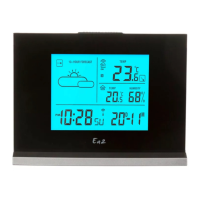
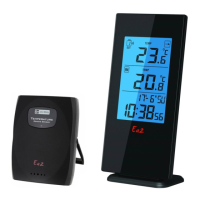
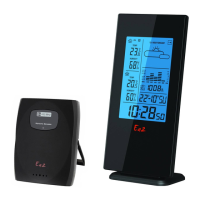
Ea2 AL808 - Getting Started; Installation; Outdoor Thermo Sensor; Weather Forecast Function

Default Icon
38 pages
Print Icon
To Next Page IconTo Next Page
To Previous Page IconTo Previous Page
Loading...
ENGLISH 4
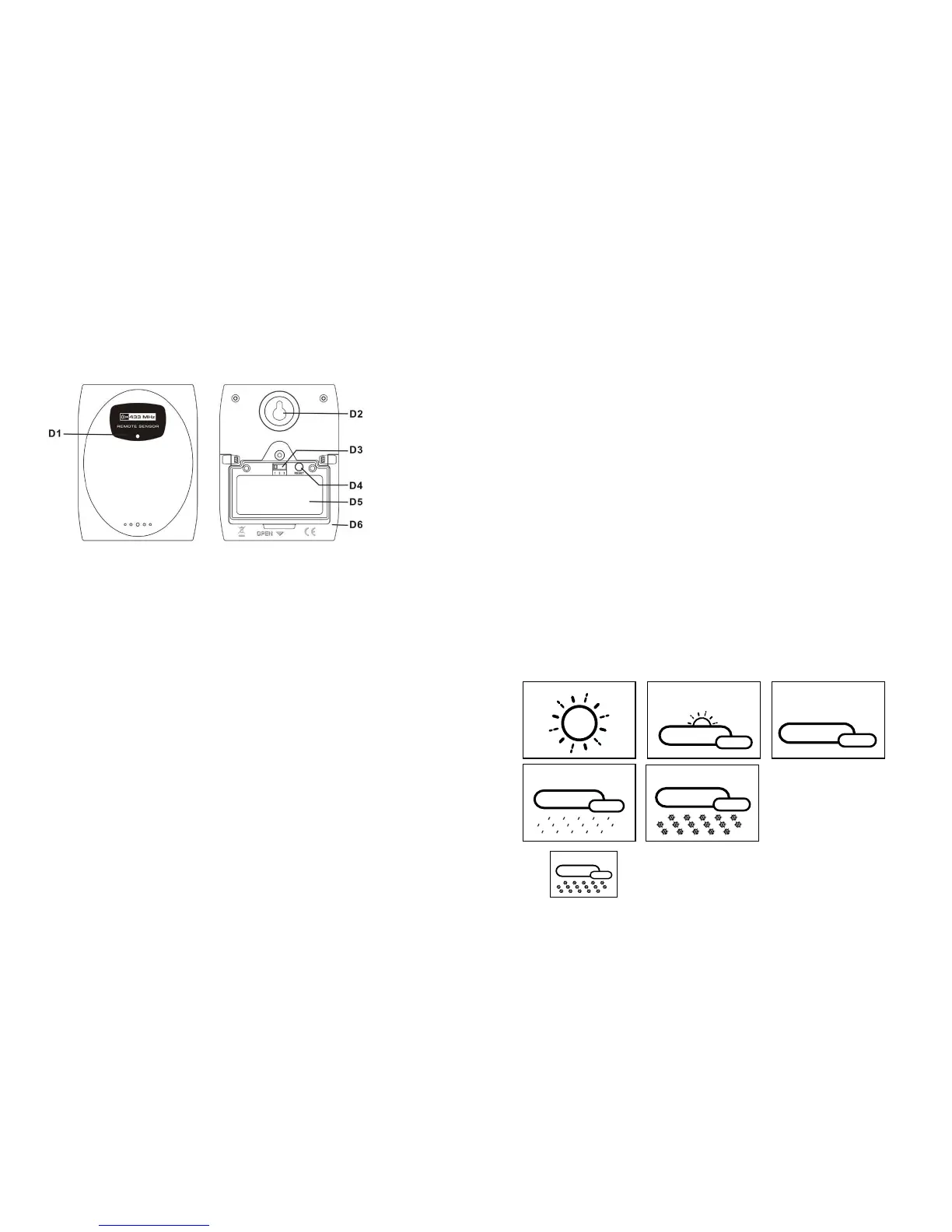
3. Outdoor Thermo Sensor
D1: Transmission Indication LED
D2: Wall Mount Hole
D3: Channel Select Switch
D4: “RESET” button
D5: Battery Compartment
D6: Stand
4. Getting Started:
4.1 Main Unit:
 
 
 
 
now ready for use
4.2 Outdoor Thermo Sensor
 
unscrews the batteries cover to open.
 
ENGLISH 5
5. Installation
5.1 Main Unit

hole (C1) at the back of the unit.
5.2 Outdoor Thermo sensor
The remote sensor should be securely mounted onto a horizontal surface.
Note:Transmissions between receiver and transmitter can reach up to 30m in open area.
Open Area: there are no interfering obstacles such as buildings, trees, vehicles, high
voltage lines, etc.
6. Weather Forecast Function
6.1 Operation
 


may not be accurate if the current weather entered is not correct.
 
is changed. (Barometric pressure is lower at higher altitude location. Therefore, altitude

at 6 hours later after the current weather status is entered.
6.2 Weather Conditions
There are totally 5 different weather status animations in the weather forecast.
Note:
 
temperature (any channel) under 0°C.
Sunny
Rain
Freezing or Snow
SlightyCloudy Cloudy
Freezing or Snow

Related product manuals