08
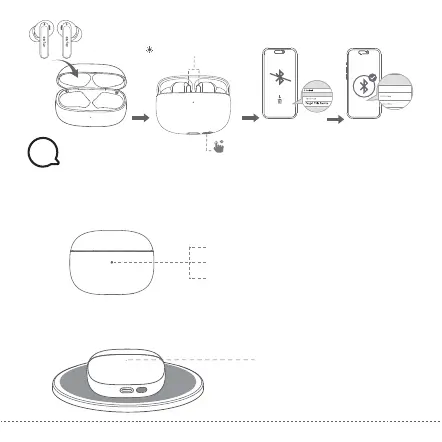
Flashing purple rapidly
8s
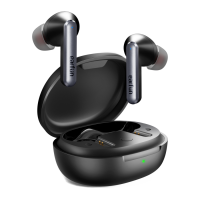
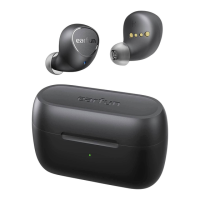
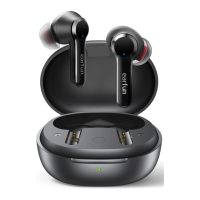
EarFun Air 2
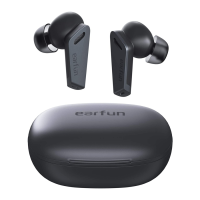
EarFun Air 2
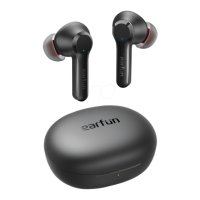
EarFun Air 2
EarFun Air 2
1. Dry the earbuds, charging contactors and USB port completely before charging.
2. Open or close the charging case to activate the case battery level LED indicator.
3. Put earbuds back into the charging case and the earbuds will start charging.
4. Fully charge both the earbuds and the charging case before first use.
Charging
9
Battery level:
Green 30%-100%
Orange 10%-30%
Red <10% Please charge
Wireless charging supported
( Wireless charging pad not included )
Red – Charging
Green – Charging complete


 To Next Page