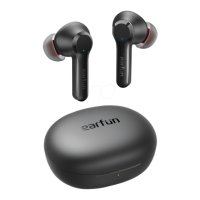
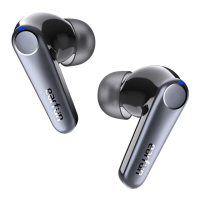
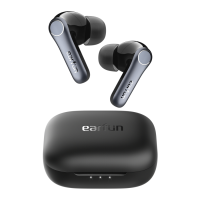
Noise Cancelling Control
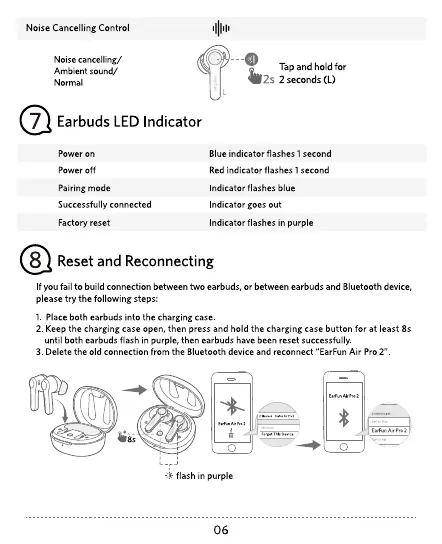
Noise cancelling/
Ambient sound/
Normal
Earbuds LED Indicator
Power on
Power off
Pairing mode
Successfully connected
Factory reset
-o
Tap and hold for
'2s 2seconds(L)
Blue indicator flashes I second
Red ind'cator flashes I second
Indicator flashes blue
Indicator goes out
Indicator flashes in purple
Reset and Reconnecting
f you fail to build connection between two earbuds, or between earbuds and Bluetooth device,
pleasetry the following steps:
l. Place both earbuds into the charging case
2. Keep the charging case open, then press and hold the charging case button for at least 8s
until both earbuds flash in purple, then earbuds have been reset successfully
3. Delete the old connection from the Bluetooth device and reconnect "EarFun Air Pro 2"
O
flash in purple
06


 To Next Page