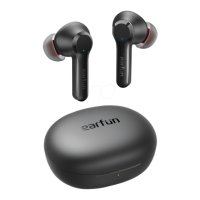
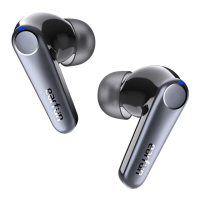
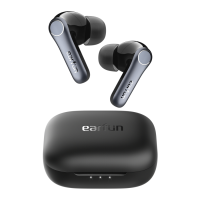
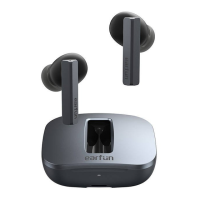
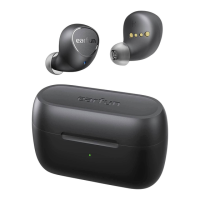
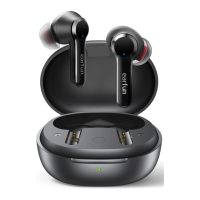
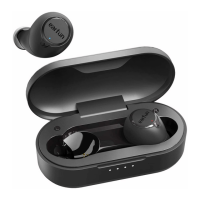
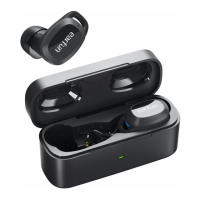
9 Charging
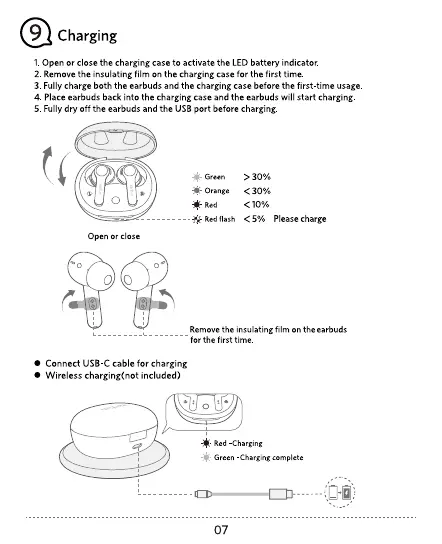
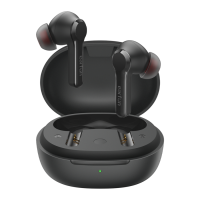
I. Open or close the charging case to activate the LED battery indicator.
2. Remove the insulating film on the charging case for the first time
3 Fully charge both the earbuds and the charging case before the first time usage
4. Place earbuds back into the charging case and the earbuds Will start charging
5 Fully dry off the earbuds and the LISB port before charging
Green
-W nge
Red
Red flash
< 5% Please charge
Open or close
Remove the insulating film on
for the first time
Connect USB-Ccable for charging
Wireless charging(not included)
- Red -Charging
-4-
Green -Charging complete
07


 To Next Page