6 Pairing
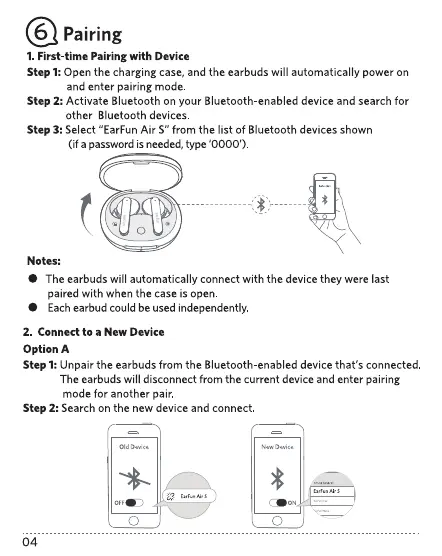
1. First-time Pairing with Device
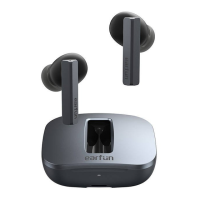
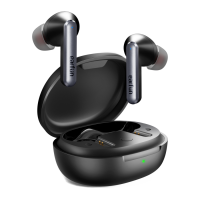
Step l: Open the charging case,and the earbuds will automatically power on
and enter pairing mode.
Step 2: Activate Bluetooth on your Bluetooth-enabled device and search for
other Bluetooth devices.
Step 3: Select "EarFun Air S" from the list OfBluetooth devices shown
(if a password isneeded,type '0000').
O
Notes:
The earbuds will automatically connect with the device they were last
paired with when the case is open
Eachearbud could beused independently
2. Connect to a New Device
Option A
Step 1:Unpair the earbuds from the Bluetooth-enabled device that's connected.
The earbuds will disconnect from the current device and enter pairing
mode for another pair.
Step 2: Search on the new device and connect
o
04
o


 To Next Page