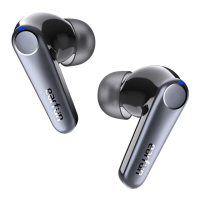
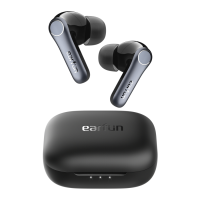
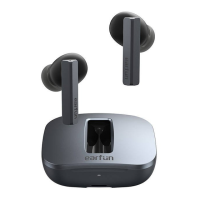
and hold the charging case button for at least 8s until both earbuds flash in purple.
3. Turn off and turn on the Bluetooth of the phone again, and search for the EarFun Free
2 to connect.
4. If the search fails, restart the phone and try again.
There’s some way to help if the Bluetooth list shows two devices when pairing?
1. Use the thin cotton swabs to gently clean out the metal-like contacts on the charging
case from dust or wax. You can use some contact cleaner liquid such as "Deoxit" to dip in
alcohol and then place over the contact and rotate to clean.
2. Try to reset the earbuds correctly, see“How do I reset EarFun Free 2”in BLUETOOTH
part.
3. Delete the old connection from the Bluetooth device and reconnect "EarFun Free 2".
What should I do If the earbuds don’t turn off automatically when put back in
the case and close the lid?
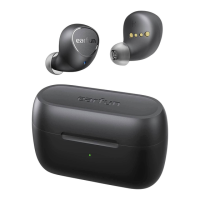
1. As you can see, there are 4 yellow contacts on the charging case, as well as 4 on
earbuds, they are connected when you put the earbuds on the charging case. So we
kindly suggest you clean these contacts. You can use some contact cleaner liquid such as
"Deoxit" to dip in alcohol and then place over the contact and rotate to clean.
2. Please reset the earbuds.
3. Please turn off the lid of the case and turn it on again.
SOUND
Why does the volume of a single earbud reduce after using a period of time?
This may be caused by the sound hole being blocked by foreign objects. Please clean the
earphone regularly to avoid dust or secretions blocking the caps.
What should I do if the left one is quieter than the right and the sound hole is
clear?
1. Wrap the earbud with your hands, then blow air into the inner membrane of the earbud
several times to have a try. To provide better sound, the sealing of our headphones is
better than that of other headphones when the volume is reduced, perhaps because of the
air pressure. When you take it off from your ear, the sound pressure deforms the sound
membrane.
2. Please try to reset the earbuds correctly.


 To Next Page