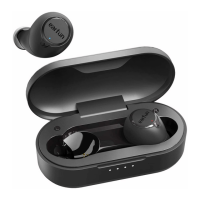
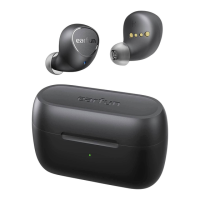
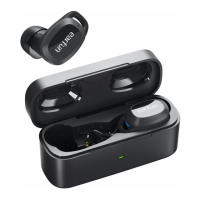
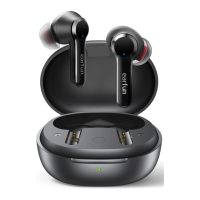
How to solve the problems that the headset cannot be charged,
the battery life is extremely low, the headset is automatically
connected to the device in the box, and the single headset
does not charge or turn on?
A. Press the earbuds with forces to eliminate loose contact with the case and keep them in
ready place for a couple of times;
B. Use a toothpick to gently clean the metal contacts on the earbuds and charging case to avoid
dust or wax stains;
C. Use the cleaning stick to dip rubbing alcohol and then clean the contacts of the earbuds and
the charging case (especially the groove of the earbud contacts);
D. Rub them with clean napkins and charge them around 1.5 hour to try it out. (Ensure the case
has enough battery life simultaneously).
To check whether the earbuds could charge in the case, you just need to put them in the case, if
the indicator of the earbud flashes in red and the charging case indicator flashes in white, it
means that it can be charged normally.
Note: Please dry the earbuds before you put them back into the charging case. Sweat or water on
the earbuds might cause short circuit and damage the product during charging.
If the above method still could not solve your issues, please kindly let me know and we will give
you a satisfying solution. EarFun provides an 18-month warranty for every product. Your
satisfaction is always greatly important to us.
How to solve the problem of short battery life and automatic
shutdown after use?
1. After consulting with our engineers, we kindly suggest you try below steps.
A. Press the earbuds with forces to eliminate loose contact with the case and keep them in ready
place for a couple of times;
B. Use a toothpick to gently clean the metal contacts on the earbuds and charging case to avoid
dust or wax stains;
C. Clean the contacts of the earbuds and the charging case with alcohol cotton swab (especially


 To Next Page