EasyManua.ls Logo

EarthWise GS70015 - User Manual

EarthWise GS70015
48 pages
Print Icon
To Next Page IconTo Next Page
Loading...
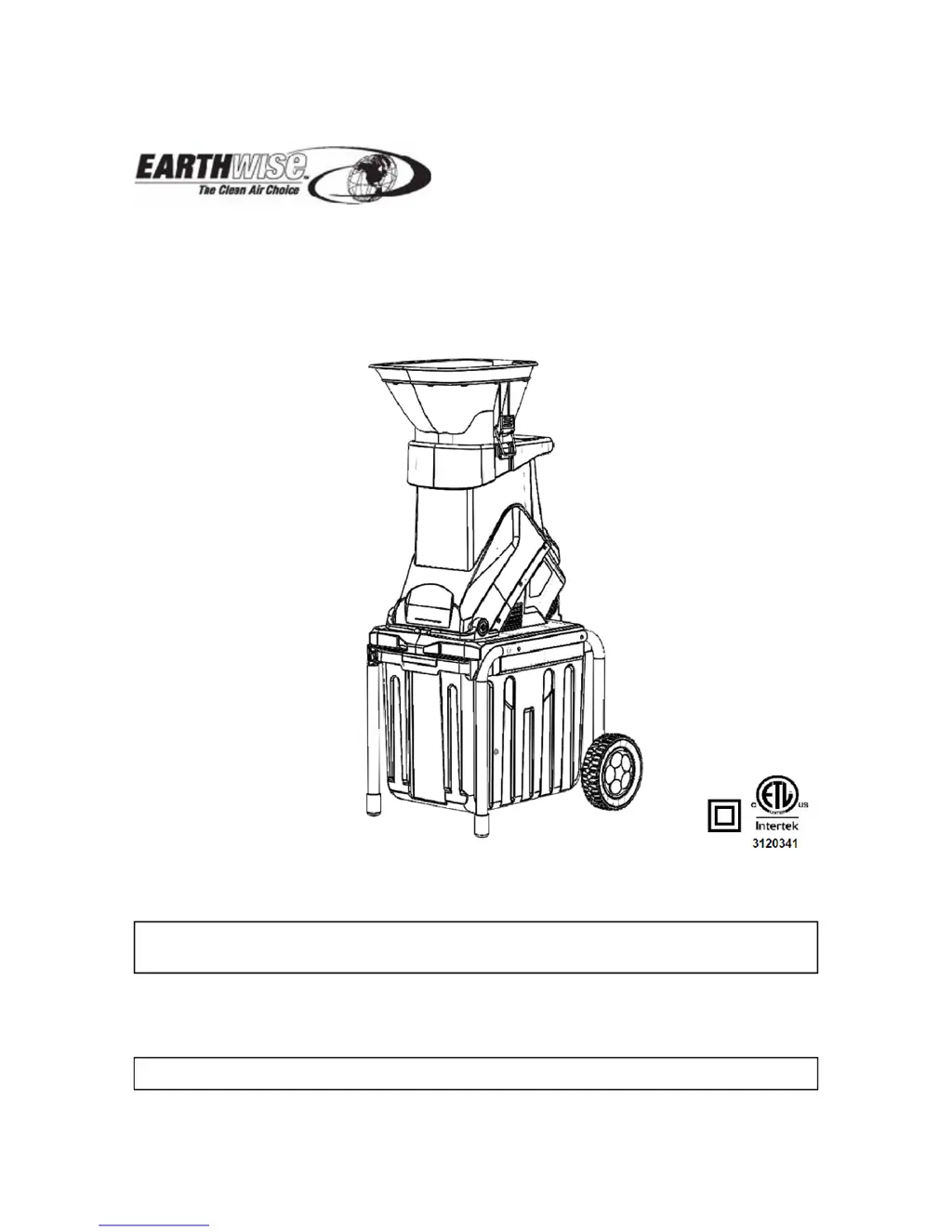
OPERATOR’S MANUAL
Garden Shredder
Model GS70015
This product is covered by U. S. patents and other international patents
Copyright All Rights Reserved.
WARNING: To reduce the risk of injury, the user must read and understand the operator’s manual
before using this product.
Thank you for your purchase.
DO NOT RETURN THIS PRODUCT TO THE STORE. OPERATING, ASSEMBLY, PARTS, SERVICE
QUESTIONS? CALL 1-800-313-5111 BETWEEN 7:30 AM - 4:30 PM EST FOR ASSISTANCE.
SAVE THIS MANUAL FOR FUTURE REFERENCE
This garden shredder has been engineered and manufactured to our high standard for dependability,
ease of operation, and operator safety. Properly cared for, it will give you years of rugged, trouble-free
performance.

Questions and Answers

  • A
    Aaron BoyerJul 28, 2025
    How to troubleshoot EarthWise GS70015 when the motor does not run?
    • G
      Gloria CamachoJul 28, 2025
      If the EarthWise Paper Shredder's motor isn't running, first, ensure it's plugged into a working outlet and that the extension cord isn't damaged. If the overload protection has been triggered, remove any accumulated chips and press the reset button, then wait one minute before restarting. Also, verify that the hopper is correctly secured and the lock knob is tightened.
  • M
    Martin MarshallAug 7, 2025
    What to do if EarthWise GS70015 Paper Shredder material is not pulled in?
    • A
      Andrea FernandezAug 7, 2025
      If the material isn't being pulled into your EarthWise Paper Shredder, the feed inlet, cutting blade, or discharge chute might be blocked. To resolve this, disconnect the power, open the hopper, and remove any jammed material from the feed inlet. If the blade is blocked, open the blade cover to clear it. For a blocked discharge chute, open the plate to remove the obstruction. Always replace the hopper after clearing blockages.
  • A
    Ashley HuynhAug 16, 2025
    How to fix EarthWise GS70015 when blades becomes worn?
    • A
      Ashley JenkinsAug 16, 2025
      To address worn blades on your EarthWise Paper Shredder, first disconnect the unit from the power supply. The reversible blade is fixed to the rotary plate with two screws. Align the slots on the board and the blade support, insert a metal rod like a screw driver into the slots to prevent rotating when reversing the blades and use the supplied socket wrench to unscrew the screws. Call our customer service help line at 1-800-313-5111 for assistance or to order replacement blades.

Summary

Specifications

Symbols

Safety Precautions

General Safety

Operating Tips

Assembling

Operation Instructions

Maintenance

Parts List

Trouble Shooting

Warranty

EarthWise GS70015 Specifications

General IconGeneral
Sheet Capacity15 Sheets
Weight16.31 lbs
Auto Start/StopYes
Overload ProtectionYes
Jam ProtectionYes
Bin Capacity7 gallons
Run Time8 Minutes
Shred Size5/32" x 1-9/16"
Dimensions14.17" x 10.04" x 19.69"
ShredsPaper, Credit Cards, Staples

Related product manuals