5
Installer app
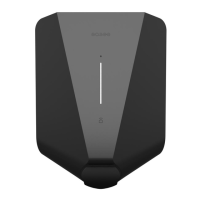
Equalizer installation guide
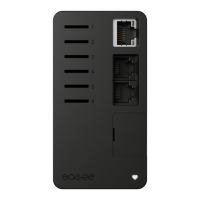
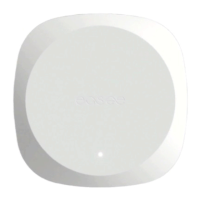
Equalizer Smart meter
Download
Installer setup
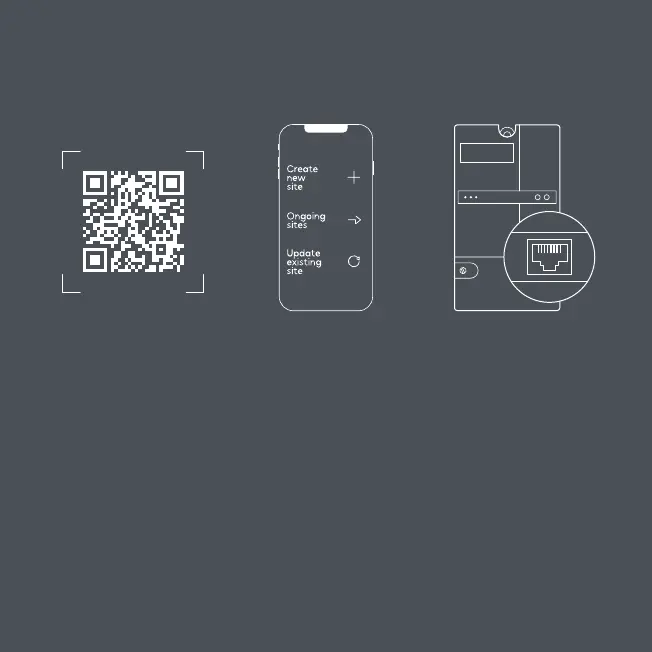
Setup Connect1 2 3
Add the Equalizer to a
new or existing charging
site using the Installer app
and follow the on-screen
installation guide to set it up.
Scan the QR code to
download the Installer app
and create a free account.
The app is available on
App Store and Google Play.
Connect the Equalizer to
the smart meter using
the provided cable. The
Equalizer will appear in the
Easee Portal after a while.
12345 kWh
Smart meter
HAN / P1
NOTICE! Follow these steps if you are an Installer and use the Installer app to configure the
Equalizer in large commercial installations or private households.


 To Next Page